
With so much music on streaming services, and more and more being added daily, it’s not always easy to find music I really love among the millions of tracks. I use a cheap ESP32 board to make the process much easier.
I really struggle to find new music I really love
Discovery playlists are often a mixed bag
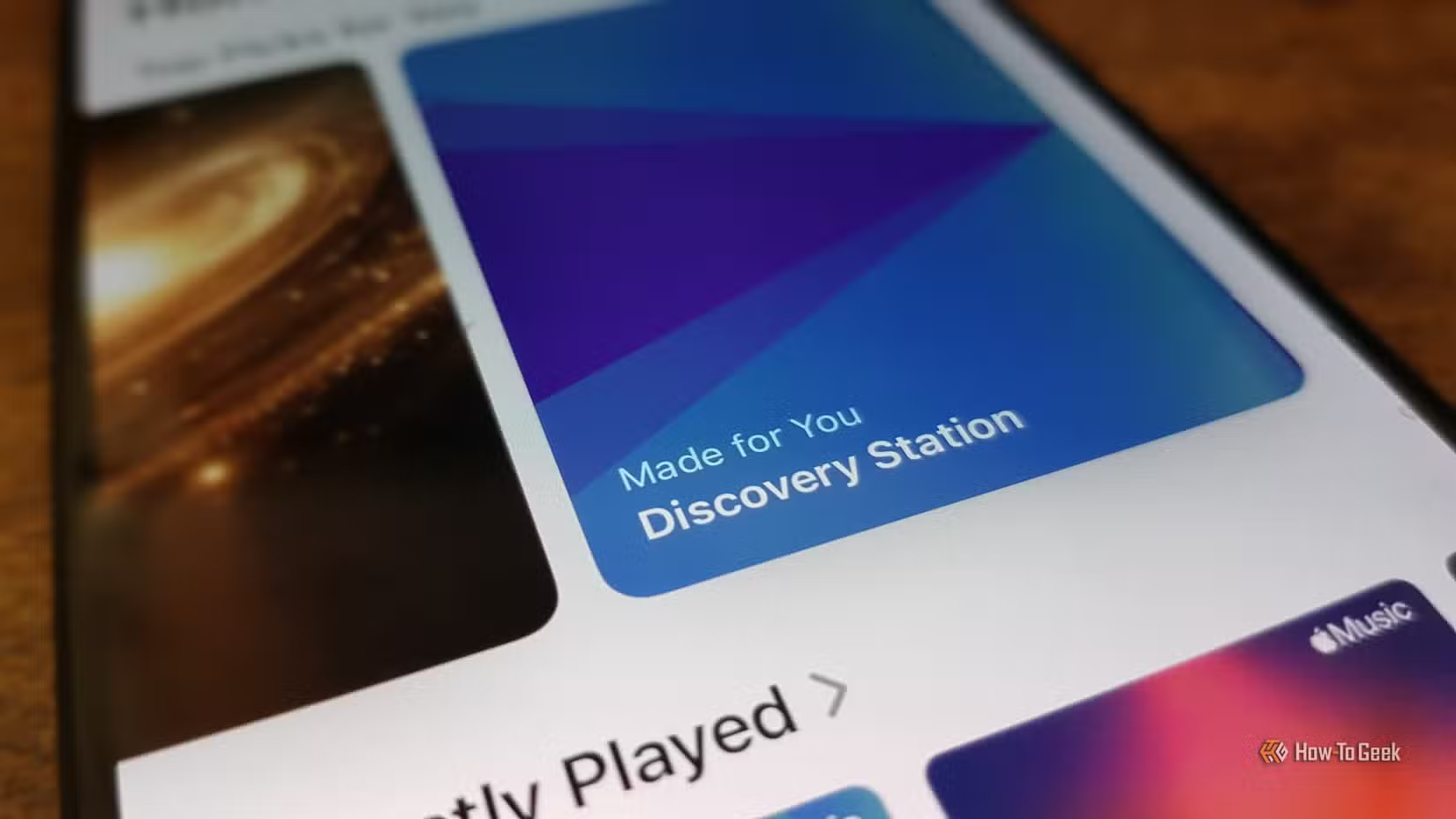
One of the things that makes discovering new music that I genuinely love so hard is that I have pretty eclectic tastes. I listen to everything from classical music and 80s pop to hip-hop and crank wave. If I like it, I like it.
This means that recommendations from apps such as Spotify and Apple Music are often a bit hit-or-miss, since they have to cover a wide range of genres with no obvious link. These playlists will usually contain some songs that I like the sound of, but also a lot that really don’t fit the bill.
The problem is that when I listen to these playlists, I often zone out during the mediocre songs, and by the time I realize that I actually like a song, it’s moved on to another. I then have to skip back, find the song, note the artist, then search for that artist on Spotify or Apple Music and add some of their music to my library so I can listen to it later, before going back to the discovery playlist and restarting it.
The whole process felt really awkward. I wanted to find a better way.
A Cheap Yellow Display offered a solution
A single tap saves the current song to a new playlist
When I’m trying to find a tech-based solution to a problem, there are two places I almost always turn first: Home Assistant and ESP32 boards. The two work really well together, and ESP32 boards are usually fairly cheap.
One very useful ESP32 board is a Cheap Yellow Display (CYD). This is an ESP32 connected to a small touchscreen display, making it incredibly versatile for tech projects.
The touchscreen was what gave me the idea I ended up going with. I set up the ESP32 to display the artwork of the current song being played through Music Assistant. I can play both Spotify and Apple Music discovery playlists through Music Assistant by linking my accounts.
On a Monday, I listen to my discovery playlists, and when I like the current song, I just tap the screen, and the song is added to a new custom playlist in Music Assistant. There are usually enough interesting songs in Apple Music and Spotify discovery playlists to end up with a playlist of about 10–20 songs that I like the sound of. Using the CYD means I can instantly mark a song as having potential with just a single tap.
The second pass adds selected songs to my library
I can add albums from artists I want to hear more of
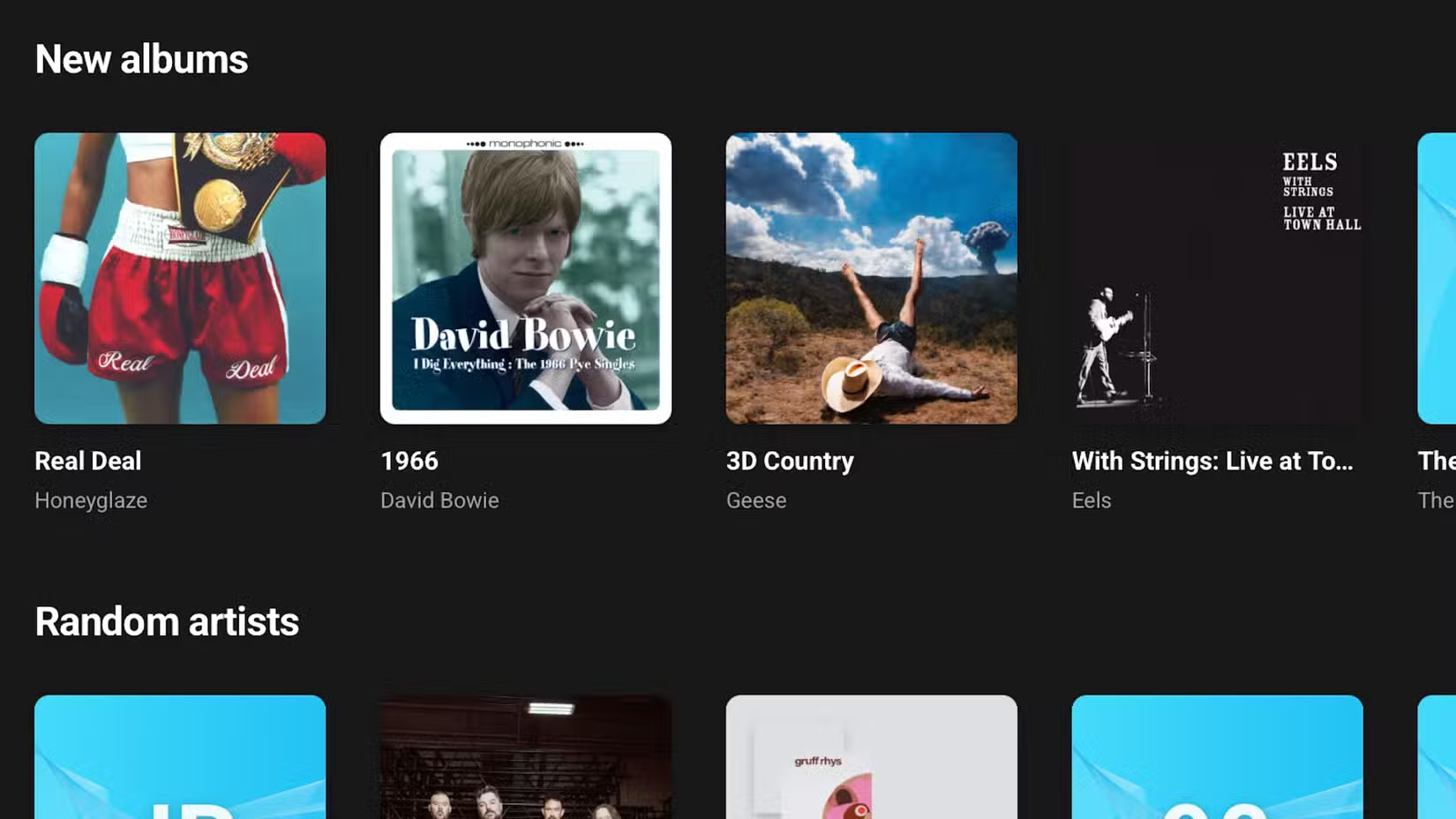
Once I’ve added all the songs I like the sound of to my custom playlist, I listen to that playlist, with the album art appearing on the CYD again. This time, if I like a song, tapping adds the entire album to my library.
I will play the custom playlist a few times, as some songs only really hit on the second or third listen. I will often end up with maybe five new albums added to my library. I will then spend the rest of the week listening to these albums. At the start of the next week, the whole process starts again.
Home Assistant and Music Assistant make recommendations better
I’ve discovered some great albums
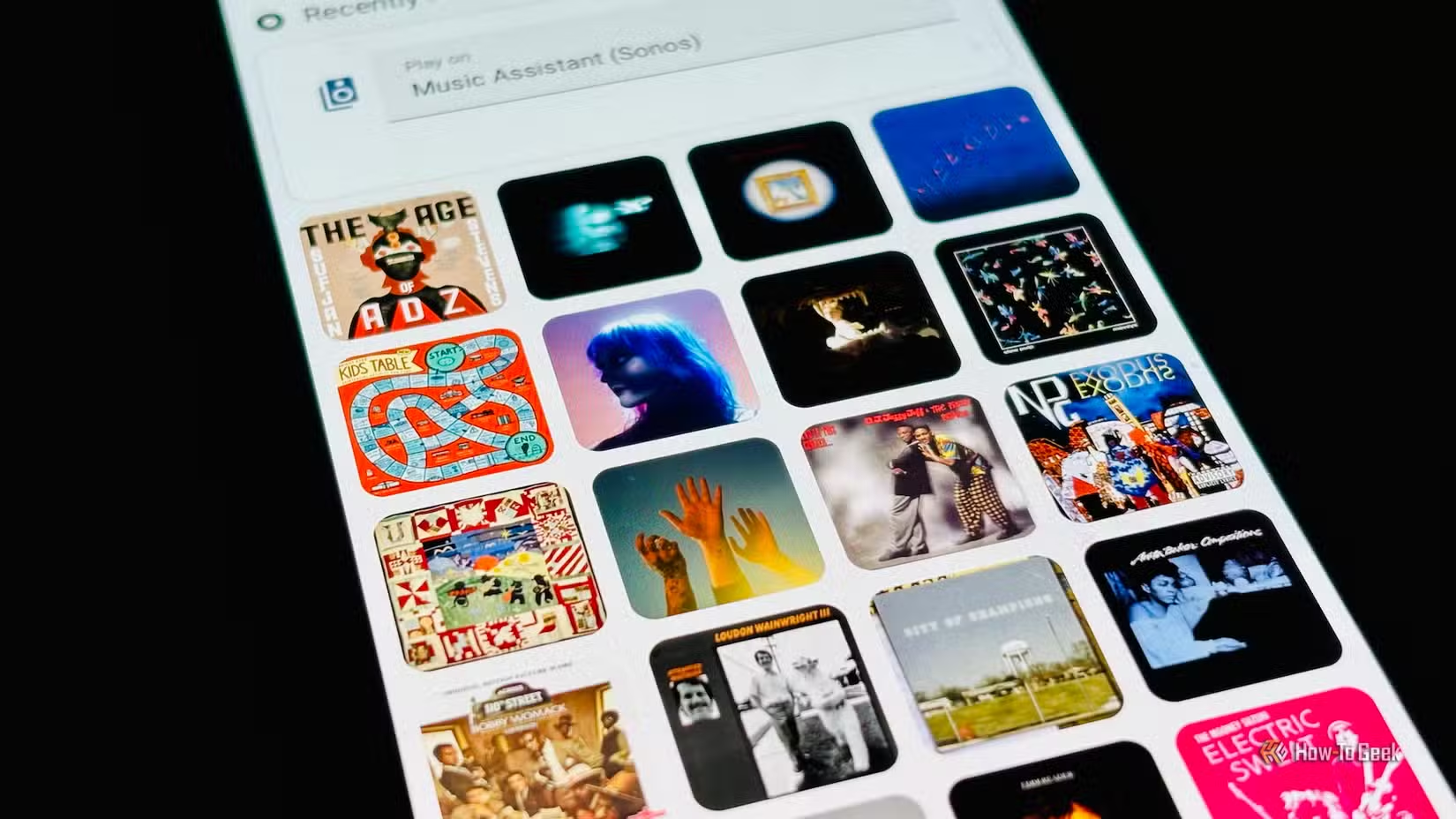
The system works really well. Using the CYD means that the only things I need to do are listen to the songs and tap the screen when I like the sound of a song, which is so much easier than what I was doing before.
A lot of the albums that get added to my library turn out to be disappointing, with the playlist song being easily the best song on the album. Some albums, however, turn out to be genuinely awesome, and I’d likely have missed many of them without my CYD setup.
While the CYD is the interface that makes it all work, the real magic comes from Home Assistant and Music Assistant. They do all the hard work in the background. Music Assistant keeps getting better and is well worth checking out, since it lets you access music from all your sources in one place.
Sometimes a cheap fix can be the best fix
A CYD can cost as little as $15, but the tiny board can be incredibly useful. It’s made a huge improvement to how I find new music to listen to, and for me, that’s something that’s priceless.