
The first game with official DLSS 5 support, NBA 2K27, came out recently, and modders quickly took the DLSS 5 DLL file from the game and made it available to gamers around the world who own a newer NVIDIA GPU, allowing them to use DLSS 5 in a bunch of PC games with tools such as OptiScaler and DLSS 5 Swapper. While only the RTX 50 series is officially supported, at least for now, the two aforementioned utilities allow you to use DLSS 5 on older NVIDIA graphics cards as well.
While a good chunk of NVIDIA GPUs can run DLSS 5 at playable frame rates, either officially or with mods, I’ve created a list of the most affordable NVIDIA cards that are widely available new and that you can run DLSS 5 on. Naturally, most are RTX 50 models, but I’ve also included a few RTX 40 cards as well.
RTX 5050
The cheapest official route to DLSS 5, but it only just manages 1080p
You can get an RTX 5050 new for about $300, but I recommend opting for a different card because the 5050 isn’t that great, even for 1080p gaming. If you already own one, that’s a different story, and you should definitely test DLSS 5 in games you own just to see the technology for yourself, even though it has a drastic frame rate hit.
Now, while NBA 2K27 can run at playable frame rates at 1080p on an RTX 5050, reaching almost 60 FPS, you’ll have to settle for 30ish frames per second or less in many other modern games. You’ll also have a hard time using multi-frame generation along with DLSS 5 due to the card’s limited 8GB memory buffer. But hey, the RTX 5050 can run DLSS 5, and at playable frame rates in some games, so why not try it out if you already own the card?
RTX 5060
The minimum for a playable 1080p experience
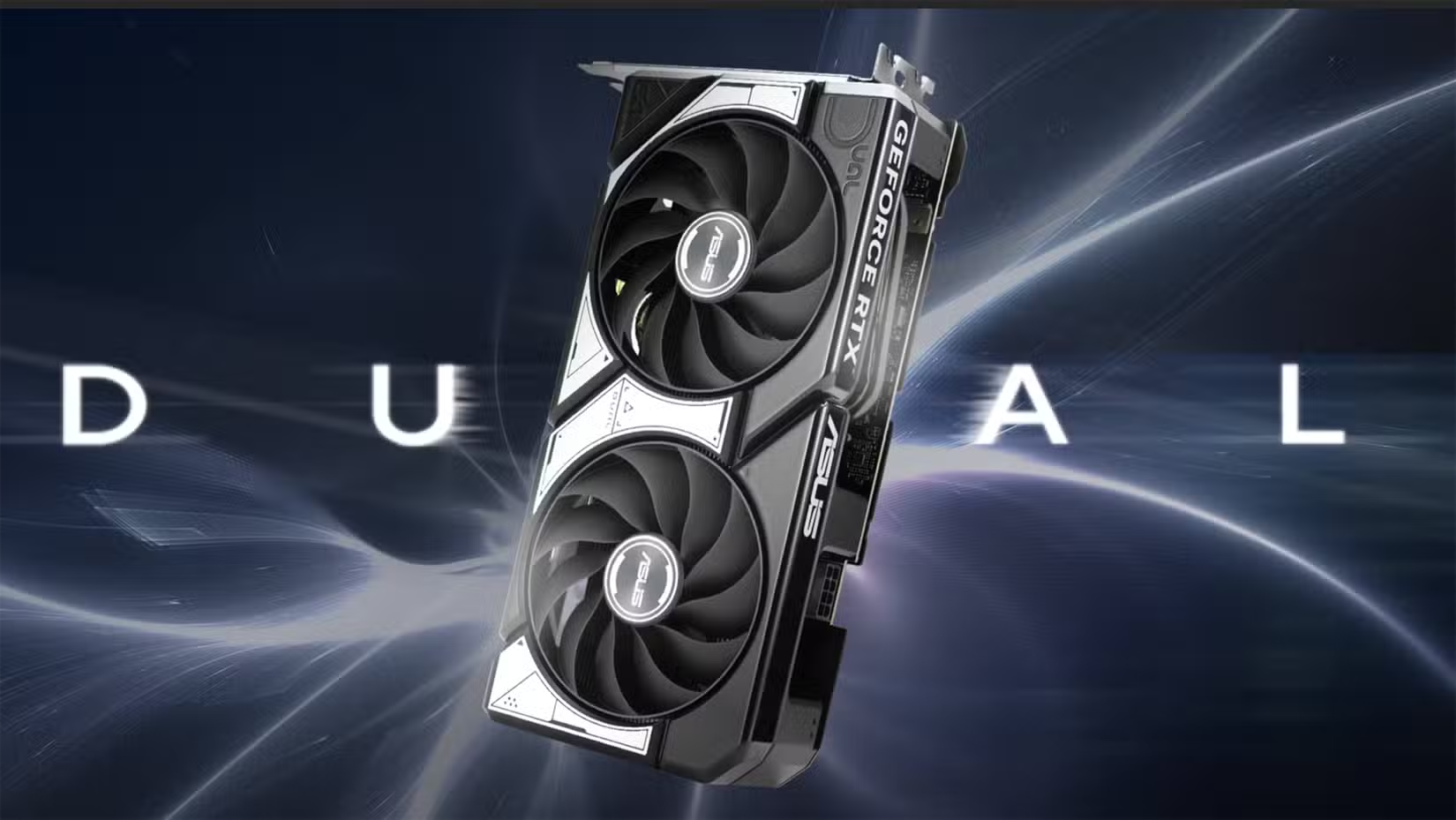
The RTX 5060 is the first decent choice for a 1080p experience. PC gamers have managed to get almost 60 frames per second running DLSS 5 at 1080p in a number of titles, which should be more than playable for many people. Some more demanding games will run slower, though, at about 40 FPS or lower.
While this card’s much more expensive than the RTX 5050, with the most affordable configs starting just north of $450 as of this writing, you’re getting much higher performance that’s enough to play many games with the modded DLSS 5 DLL.
The only caveat, again, is that the card only has 8GB of RAM, which won’t be enough for multi-frame generation running on top of DLSS 5 in games that use lots of video memory. That said, you should be able to run both frame gen and DLSS 5 in a wide range of games that aren’t memory hogs.
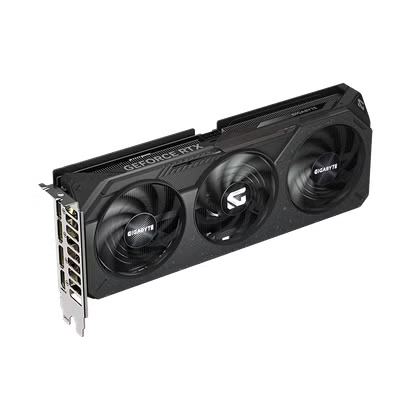
- Memory Clock Speed
-
2602MHz
- Graphics RAM Size
-
8GB
A no-nonsense option for 1080p gaming, the RTX 5060 pairs 8GB of GDDR7 with NVIDIA’s Blackwell architecture, while Gigabyte’s triple-fan cooling setup keeps temperatures and noise in check through long gaming sessions.
RTX 5060 Ti 8GB
A bit faster than the RTX 5060 and a serviceable option for 1080p
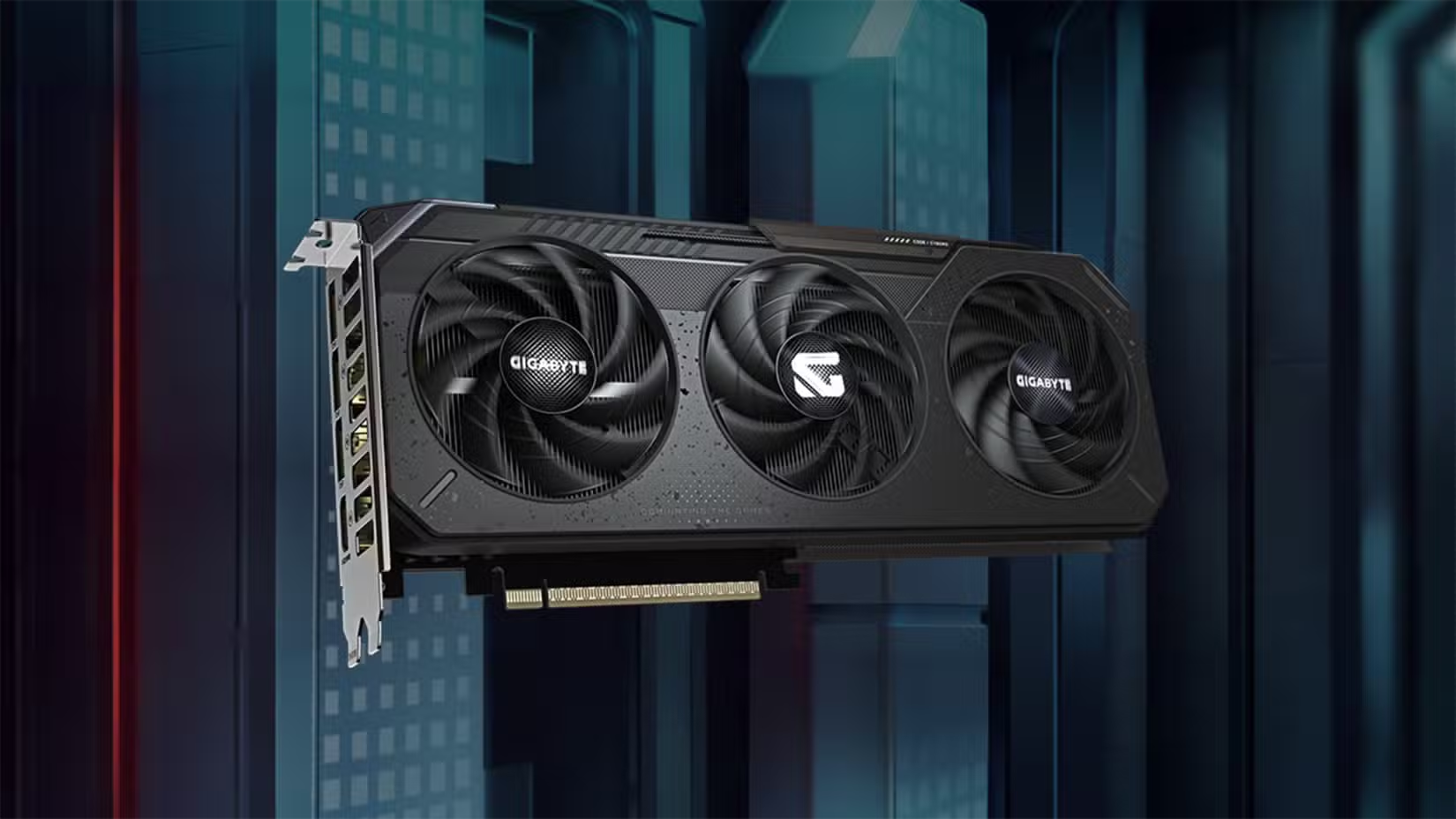
Now, while the 8GB version of the RTX 5060 Ti wasn’t a great choice back when GPU prices were sane, it now makes sense to get one since you’re getting a 15% performance bump compared to the RTX 5060 for about the same price bump. When it comes to playing games with DLSS 5, the performance boost should be enough for 60 FPS at 1080p in a lot of games, and about 40 FPS in more demanding titles.
You will also be able to use frame generation in many modern titles, but multi-frame gen will be a no-go in games that devour VRAM. If you ask me, at current prices the RTX 5060 Ti 8GB is a better choice than the RTX 5060 if you can stretch your budget by about $50.
RTX 5060 Ti 16GB
The bare minimum for the 1440p resolution
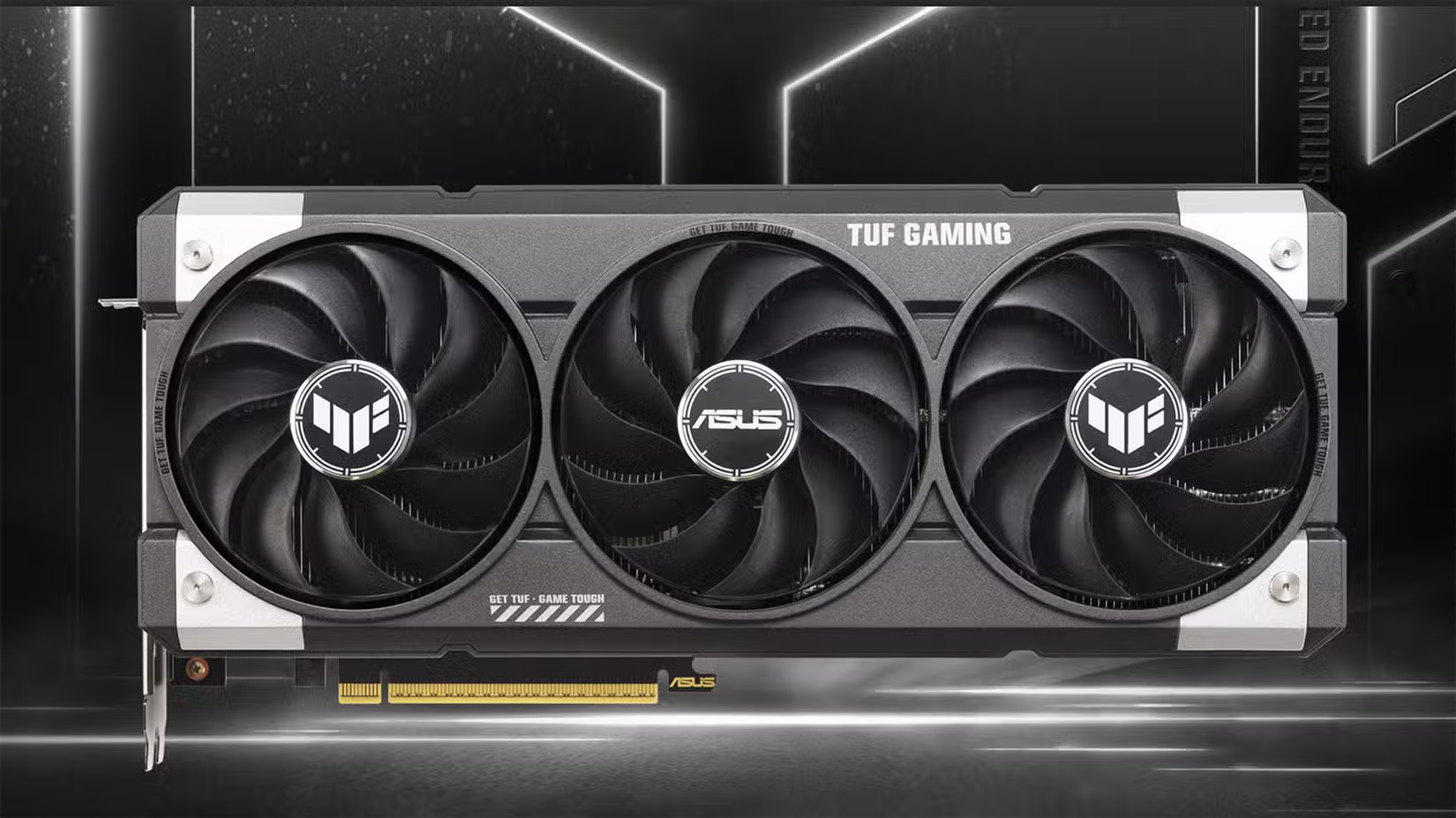
Thanks to its 16GB of VRAM, the RTX 5060 Ti 16GB is the first option on this list capable of running games at 1440p with DLSS 5 enabled at playable frame rates. That said, the experience won’t be perfect. You can expect about 40 FPS in most games where you can mod in DLSS 5, with 60 FPS and higher frame rates only being available with frame generation.
The RTX 5060 Ti 16GB has a major downside, though. It costs only about $60–$70 less than the RTX 5070, while the latter is about 30% faster. Sure, you’re only getting 12GB of memory with the RTX 5070, but even 12GB should be enough for DLSS 5 and multi-frame gen at 1440p, with the RTX 5070 being less than 15% more expensive than the RTX 5060 Ti 16GB. If you’re getting a new card, the RTX 5070 is a much better choice between the two.
- Memory Clock Speed
-
2632MHz
- Graphics RAM Size
-
8GB, 16GB
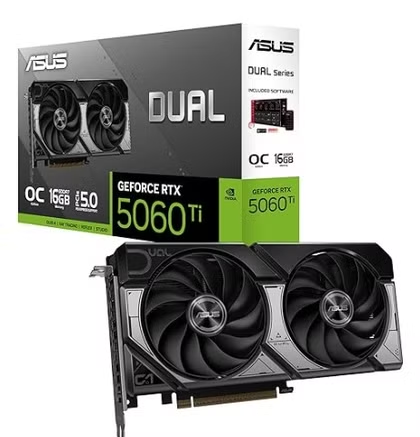
Nvidia’s RTX 5060 Ti (this time made by Asus) comes in two variants: 8GB and 16GB. The 16GB is a lot pricier, but with growing VRAM constraints, it remains the better pick.
RTX 5070
The first decent choice for 1440p DLSS 5 gaming
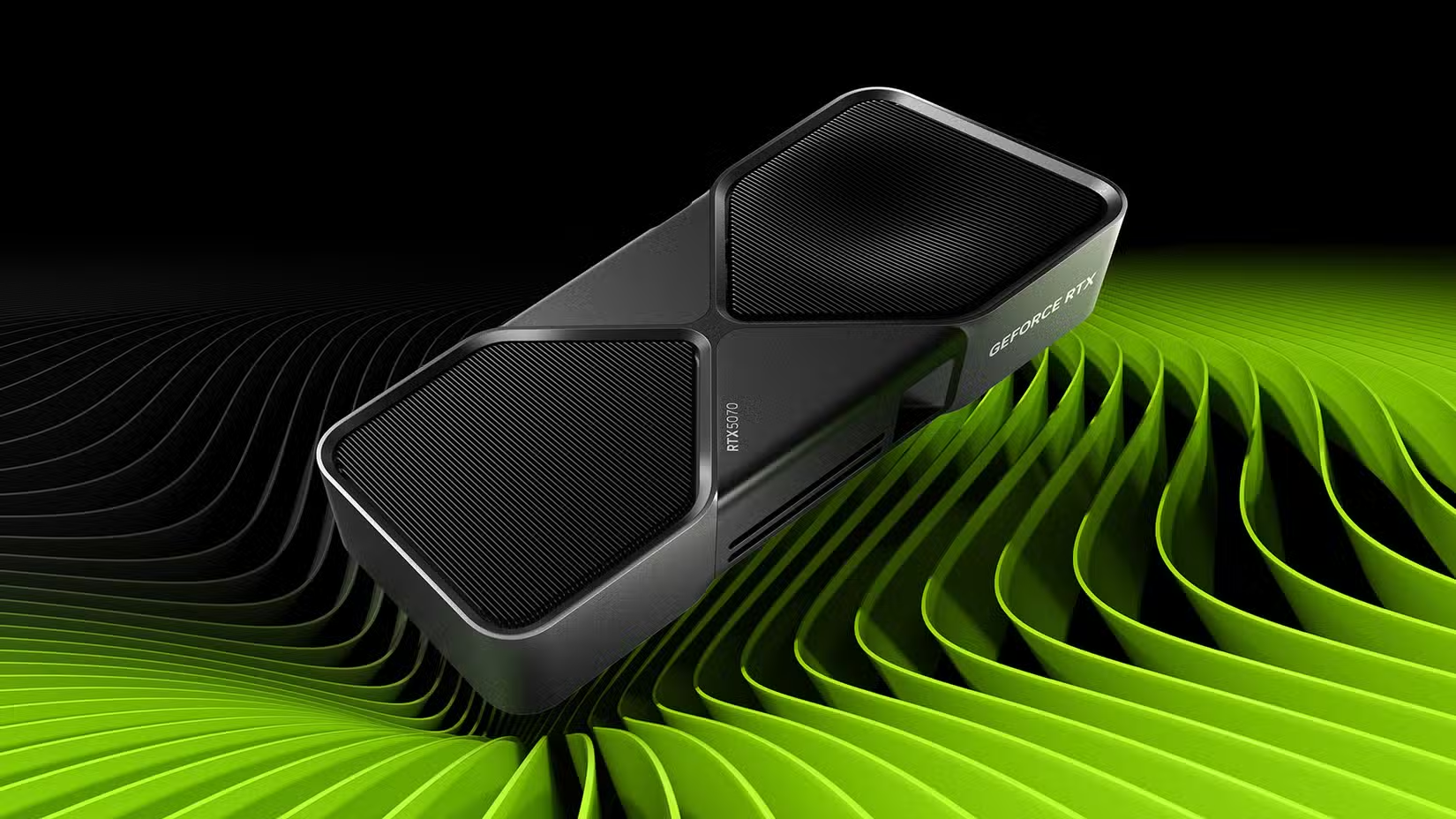
The RTX 5070 is the first card I’d actually recommend for 1440p DLSS 5 gaming. It’s got enough oomph to run games at playable frame rates without the help of frame generation, and its 12GB of memory will hold down the fort at 1440p in most games, even with ray tracing enabled.
While its price is highly inflated compared to the MSRP, this is the case for every NVIDIA card out there, so despite it being overpriced, it’s still a solid choice if DLSS 5 support is a must. If not, you should consider getting the AMD RX 9070 XT, which packs 16GB of memory, is about 25% faster, and is actually cheaper than NVIDIA’s card.
I’ve been using an RX 9070 XT for about a year and a half now and can say that FSR 4 is almost as good as DLSS upscaling and that the card is an excellent choice for 1440p and 1440p ultrawide gaming.
- Graphics RAM Size
-
12GB
- Boost Clock Speed
-
2600MHz
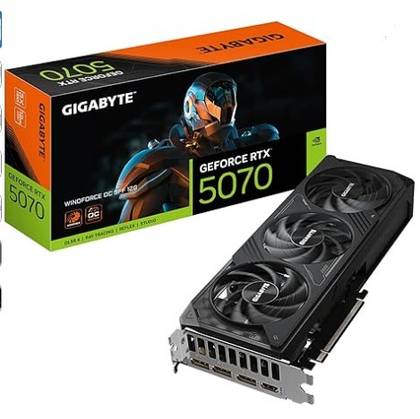
Nvidia’s RTX 5070 graphics card is one of the more balanced options in the RTX 50-series lineup. It gives you 12GB of VRAM, which is much more future-proof than the 8GB VRAM lower-tier cards offer, while also offering more cores and higher bandwidth than the RTX 5060 Ti.
RTX 4060 and RTX 4060 Ti
These RTX 40 cards aren’t officially supported yet, but you can run DLSS 5 on them with mods
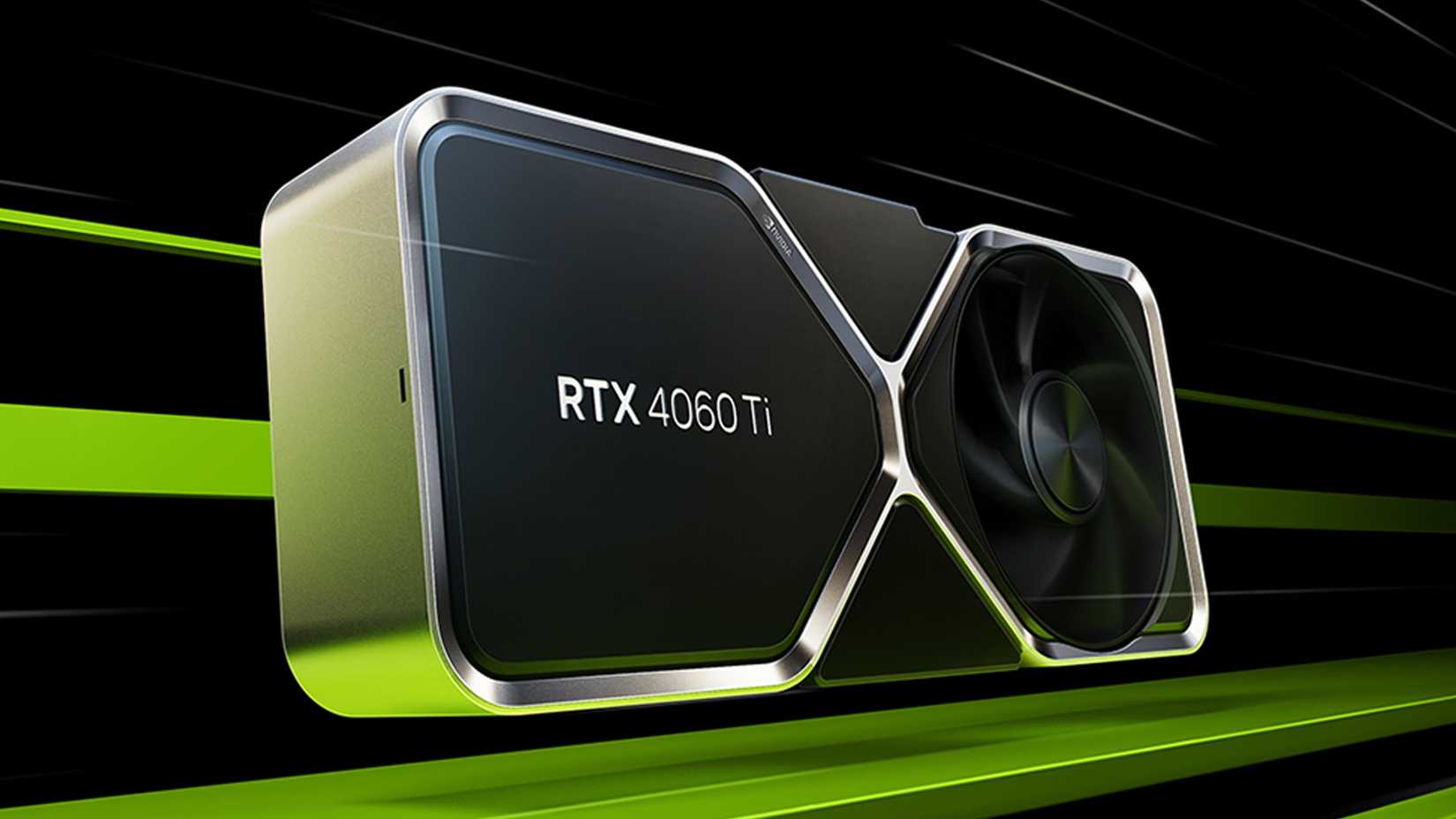
Now, DLSS 5 isn’t officially supported on older NVIDIA cards, but you can make it work with OptiScaler and DLSS 5 Swapper. When it comes to older NVIDIA cards you can still buy new, the RTX 4060 and RTX 4060 Ti are the cheapest out there that can run games with DLSS 5 at anything resembling playable frame rates.
The RTX 4060 Ti is in a much better situation since it’s about as fast as the RTX 5060, meaning you will get a playable DLSS 5 experience at 1080p in a wide range of modern games. On the flip side, the RTX 4060 is just a tad faster than the RTX 5050, meaning you shouldn’t expect much more than 30 FPS with DLSS 5 enabled at 1080p, with more demanding games running even slower than that.
Still, this is high enough to check just how DLSS 5 looks in action, so if you own an RTX 4060 and are interested in checking out NVIDIA’s latest tech, feel free to test it. But if you want to get a new GPU for DLSS 5, neither the RTX 4060 nor the RTX 4060 Ti is worth it, unless you’re ready to peruse the used market.
You can run DLSS 5 on any RTX 20 card or newer, but most won’t deliver playable frame rates
Thanks to tools such as OptiScaler, RenoDX, and DLSS 5 Swapper, and the patched DLSS 5 DLL files, you can actually run DLSS 5 on every NVIDIA GPU starting with the RTX 20 series. Sure, the performance will be quite poor on many of the older cards; in fact, DLSS 5 will barely run on a good chunk of them. But hey, at least you can experience neural rendering firsthand and see what the fuss all is about.