
I got a new phone for my birthday. And you know what happens next: you start playing around with everything. Relatable enough, right? At first, I was genuinely excited. New phone, new tricks, new excuses to spend way too much time digging through settings.
Then the honeymoon ended.
I started missing the little things I had taken completely for granted. Not the obvious features I knew I was leaving behind, but those tiny conveniences that quietly made everyday tasks easier. Turns out, you don’t appreciate something until your new phone basically looks at you and says, “Nope, not here.”
I barely noticed these five features when I had my Samsung Galaxy Z Fold 6. Now, every time I need one, I’m reminded that my new phone doesn’t have one. Rude.
Modes and Routines
I missed my automatic shortcuts
I had basically trained my phone to babysit my settings. I used to make a few taps and forget about it. With Modes and Routines, I had set up different routines for the things I did regularly, so my phone could handle the repetitive stuff for me. I could trigger them based on things like time, location, or connecting to a device.
At bedtime, I had it automatically switch to Dark Mode. When I connected to my car’s Bluetooth, I used to have it open my music app and play my favorite song. I also had different setups for work, driving, and other parts of my day. My phone used to know when I was done making decisions for the day.
I’m always looking for a shortcut to do the hardest job, even on my phone. Suddenly, all those tiny tasks were mine again.
Edge Panels
One swipe did a lot
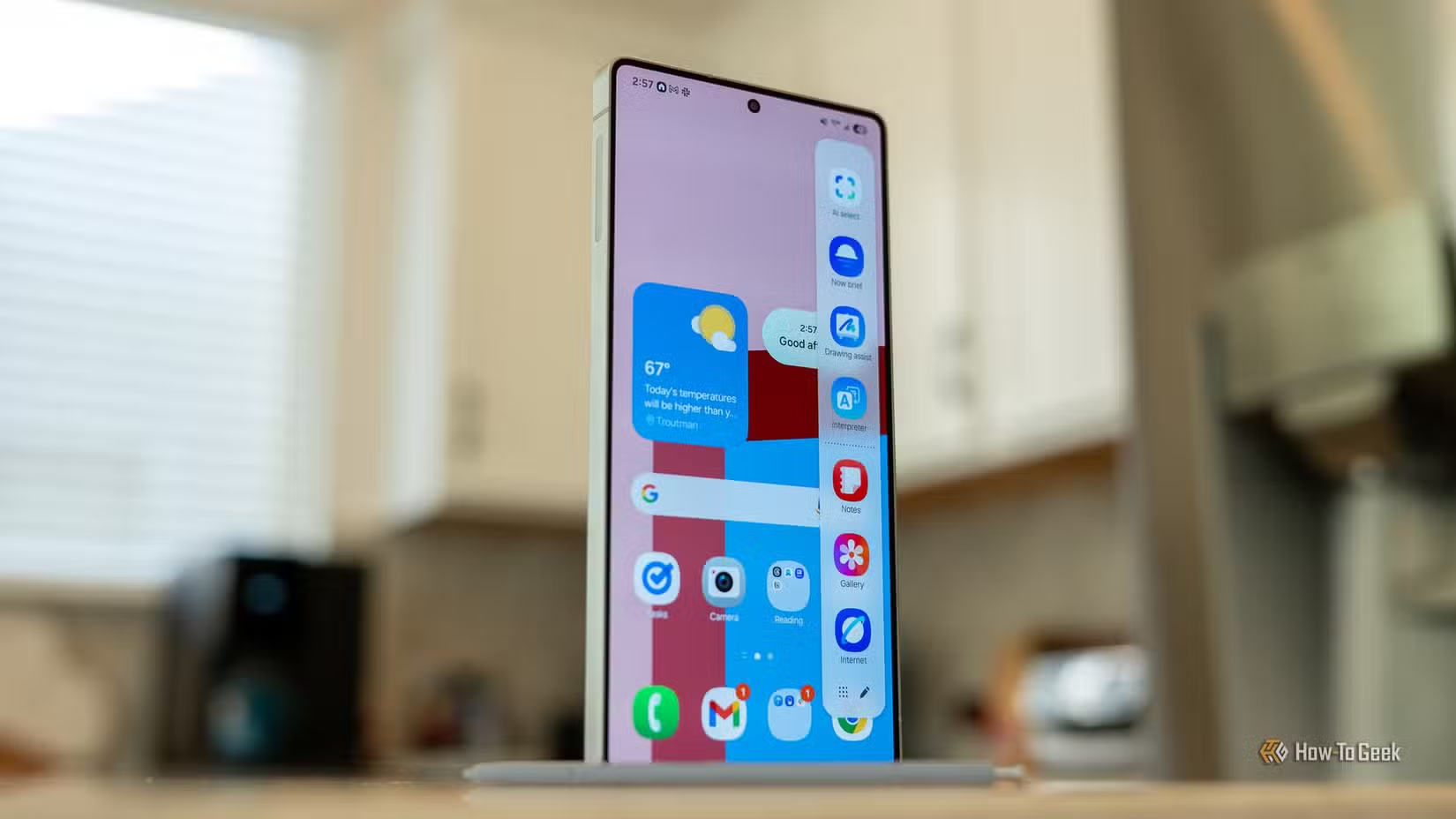
I used to have Edge Panels sitting quietly on the side of my screen, and honestly, I probably took them for granted. A quick swipe gave me access to the apps and shortcuts I used most without making me leave whatever I was doing. I could pull up WhatsApp, Spotify, or another frequently used app without going back to my home screen and hunting for it.
It was just there, and I got used to it. After switching, I caught myself swiping from the edge of the screen out of pure habit. Of course, nothing happened. I’d then have to stop what I was doing, find Spotify, and open it the normal way. When I was browsing a website in Chrome and suddenly needed Google Keep, I used to pull it up from the Edge Panel instead. It saved a few taps, but those few taps added up when I used them all day.
I wasn’t asking for anything revolutionary. I am just missing my one little swipe here, like it was a personality trait.
Secure Folder
My private little ex-vault
Secure Folder was my little private space on my phone. I used to keep photos, files, and apps there that I didn’t want mixed in with everything else. It also came in handy when I handed my phone to someone. If I wanted to show my gallery or let them use an app, I didn’t have to worry about them accidentally finding something they shouldn’t. Everything inside the Secure Folder was protected by its own lock.
I wasn’t going for anything fancy. It just happened to be the easiest option. After changing the ecosystem, I kept looking for that separate corner whenever I wanted to tuck something away. Then I’d remember I didn’t have it anymore. It was basically a second, locked-down version of my phone, and I liked having that option.
Good Lock
Everyone’s favorite playground
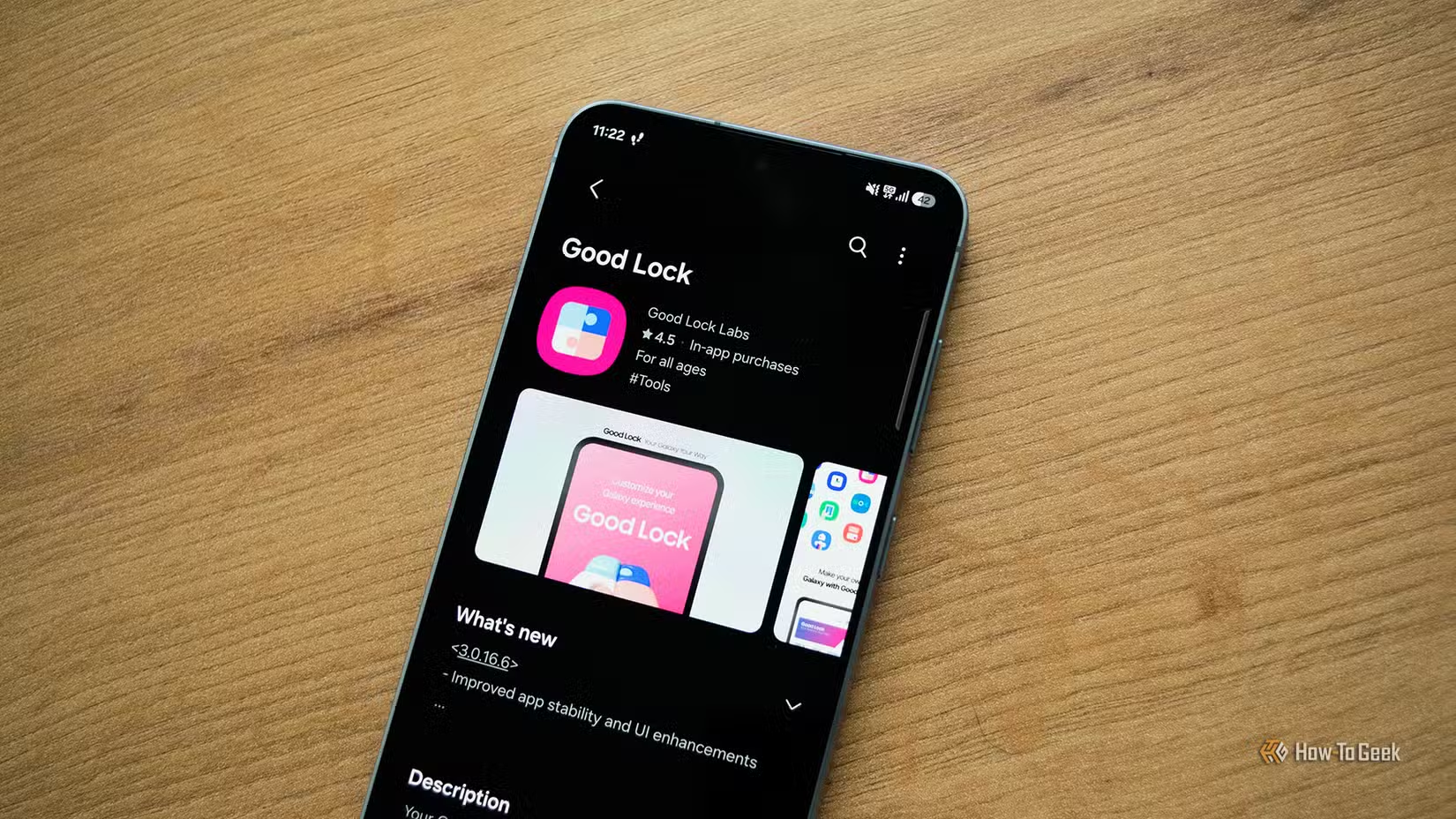
Good Lock is Samsung’s official customization app, and it was basically my playground for tweaking the phone exactly how I wanted. I used Home Up to change the way my home screen and recent apps looked, while RegiStar gave me handy shortcuts I actually used. I set up Back Tap so a double-tap took a screenshot, and a triple-tap opened WhatsApp. Considering how often I took screenshots, that shortcut became second nature.
I also used Sound Assistant to fine-tune audio behavior and Camera Assistant for extra camera controls. None of these tweaks were things I desperately needed, but once I had set everything up the way I liked, going back to a more limited setup felt frustrating. Good Lock let me keep changing little things until my phone felt like it was actually mine.
Temporary Cloud Backup
My favorite kind of insurance
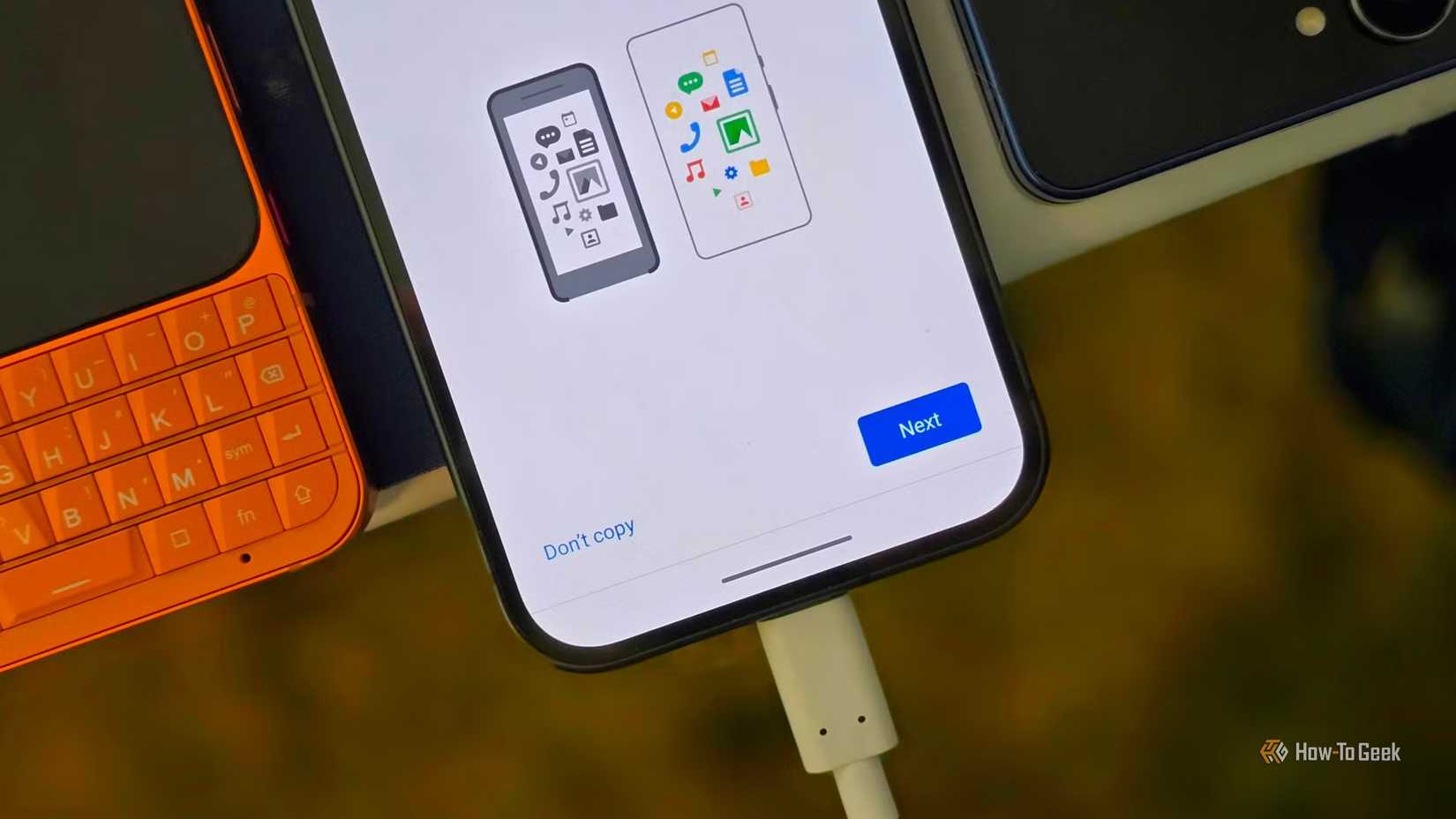
No extra cloud storage just to back up my phone before a big change? That was one thing I didn’t expect to miss. Temporary Cloud Backup gave me a way to back up important data before switching phones or resetting my device, without buying extra cloud storage for the backup. I could back up my data, make the switch, and restore it when I needed it.
I used to see it as my emergency safety net. Photos, settings, and other data could tag along while I made the switch instead of leaving me to play the terrifying game of “Did everything transfer?” It was only after switching phones that I realized how handy it had been.
Losing your phone is stressful enough. Losing everything on it? That was a level of chaos I was very happy to avoid.
My Samsung exit was premature
Yes, I admit it. Leaving Samsung might have been a bit of a rash decision. I thought I was ready to move on, but these little missing features made me realize how much I had gotten used to Samsung’s way of doing things.
I’m coming back, Samsung. My love for Samsung lives on.