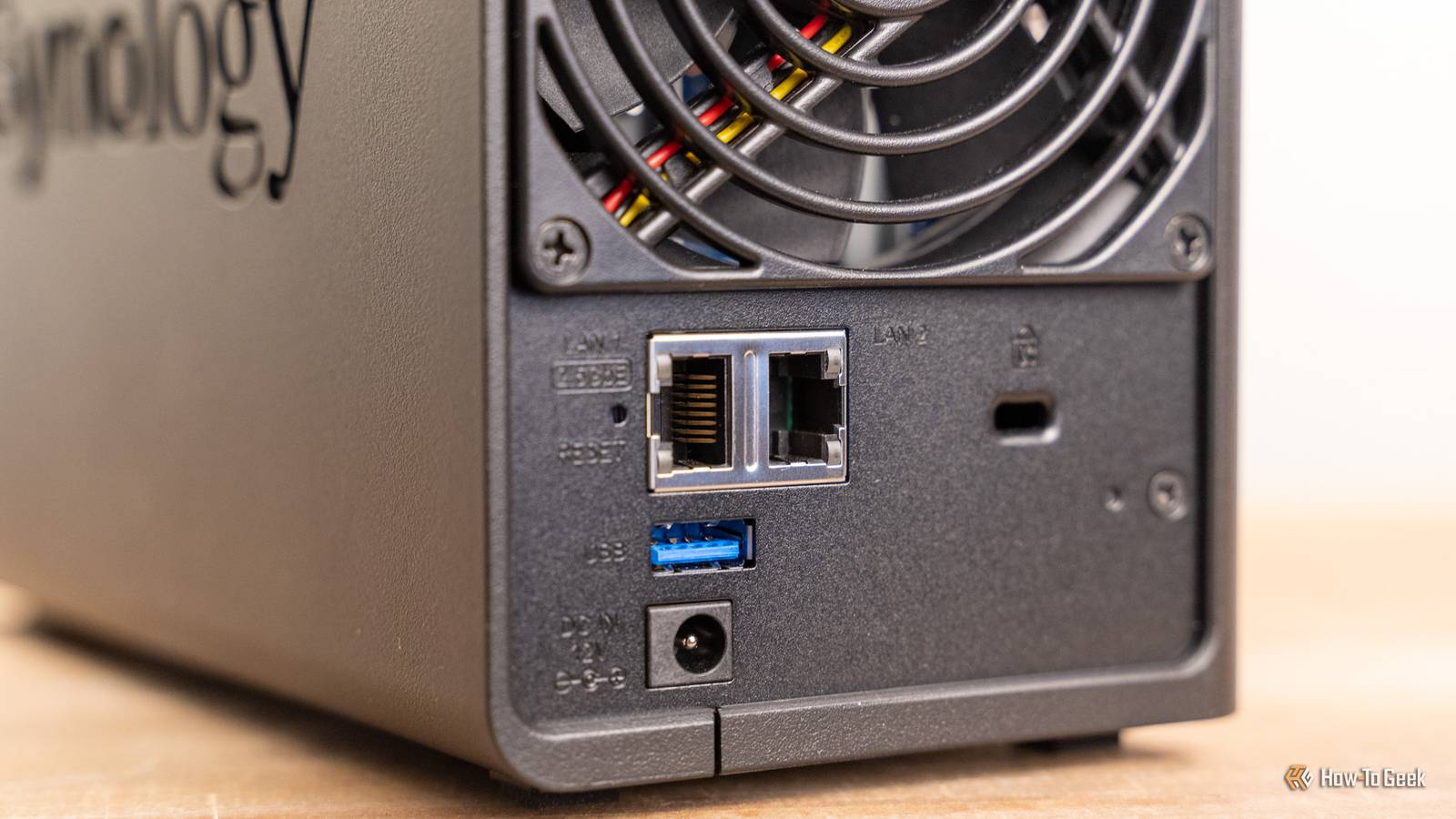
Most home NAS units are designed to stay powered on and available 24/7. After all, if you want to ensure a backup is made, the best way to do that is keep your backup solution available all the time.
However, I also run a small NAS that stays powered off and completely disconnected except for a backup that I run every month or so. As strange as it sounds, it is actually the backup that I trust and rely on the most. This is why.
An offline NAS is my backup of last resort
Disconnected and offline 95% of the time
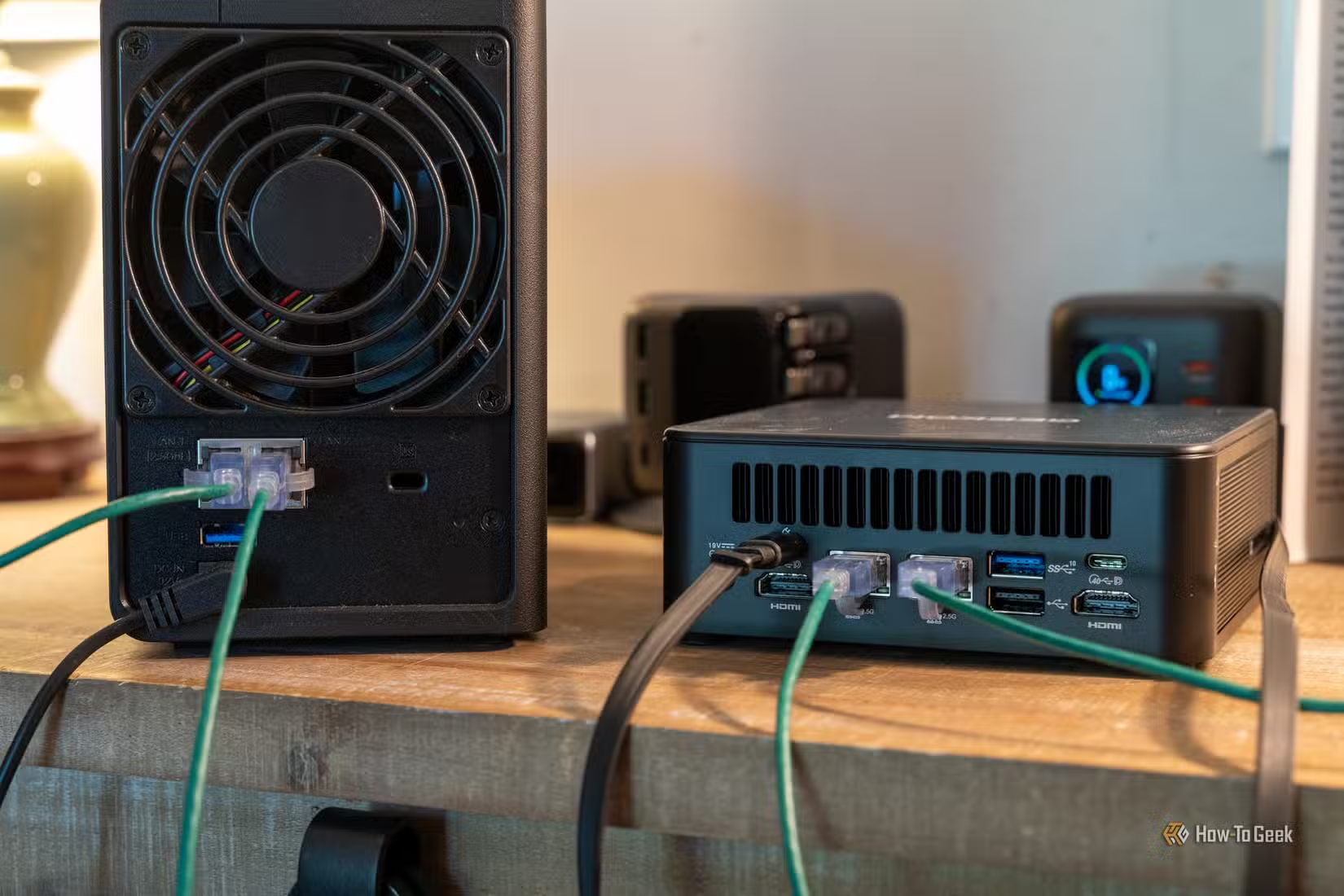
My offline NAS is my “backup of last resort.” It isn’t what I use to handle backups of the data that I use day to day for work or in my hobbies. Rather, it stores copies of irreplaceable photos, copies of important tax forms going back a decade or so, digital copies of my social security card, and other things like that.
An offline NAS isn’t a replacement for your regular NAS or cloud backup. It is a supplement to ensure that your most important files aren’t lost. As such, I keep it offline unless I’m actively creating or using a backup.
The hardware doesn’t need to be anything fancy. You can use an old PC, a Raspberry Pi with a USB drive enclosure, an old Synology unit, or even just a bare drive in a dock. The most important thing is nothing can write to the drive without your direct intervention.
.
It can’t be corrupted by a bad update or botched sync
Always-on backups back up mistakes
One of the problems that can occur with always-on backups is actually how good they are at mirroring exactly what you do. If you make a mistake and delete something from your PC or a file gets corrupted accidentally, that change can be backed up within minutes, depending on your settings.
We’ve occasionally seen cases where a bad software update to either the NAS or the backup file system can break something too.
An offline system mitigates all of those risks. It is almost certainly going to be offline when an unexpected update rolls out, and your file and folder updates are similarly insulated. If I were to corrupt a document with my current setup, I’d have weeks to spot the problem. Moreover, I deliberately don’t update files that I haven’t manually changed.
That way, if a sync bug or a botched migration overwrites my entire photo library, I don’t have to panic. I can just fire up the offline NAS, copy over my “cold storage” backup, and everything is fine.
Ransomware and malware can’t affect a drive that isn’t connected
Network isolation can be protection
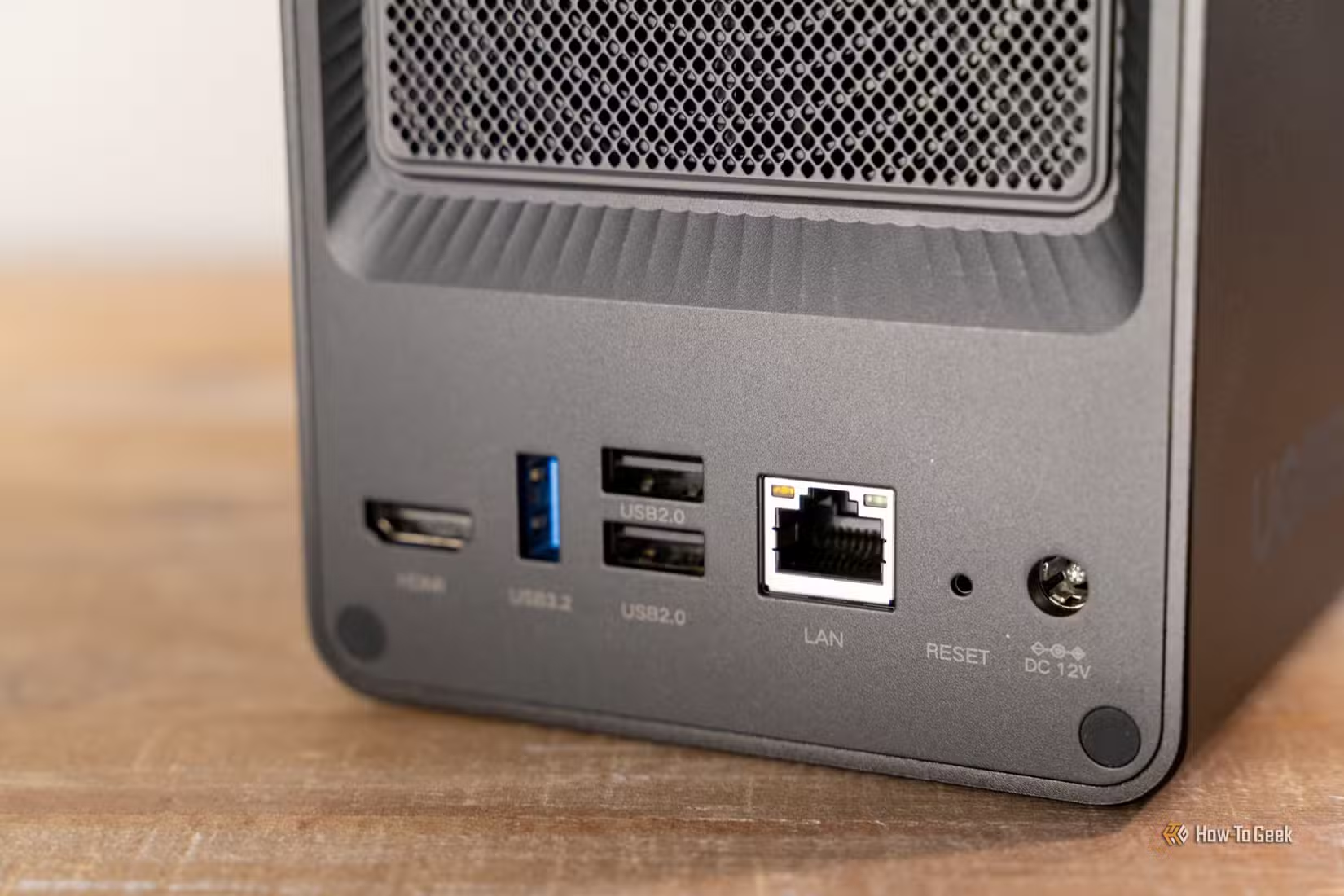
Unfortunately, some modern ransomware is specifically designed to find and infect networked storage. Some NAS manufacturers have features designed to mitigate that risk, but it still isn’t a risk I want to take. An imperfect implementation can still leave you vulnerable.
On the other hand, a device that is disconnected from power and the internet can’t be hit with ransomware.
The only window where my backup solution could be infected is during a backup phase, but that risk is easy to mitigate—double-check your PC before you perform a backup.
It isn’t affected by random power surges or wear and tear
A disconnected device doesn’t care about a power surge
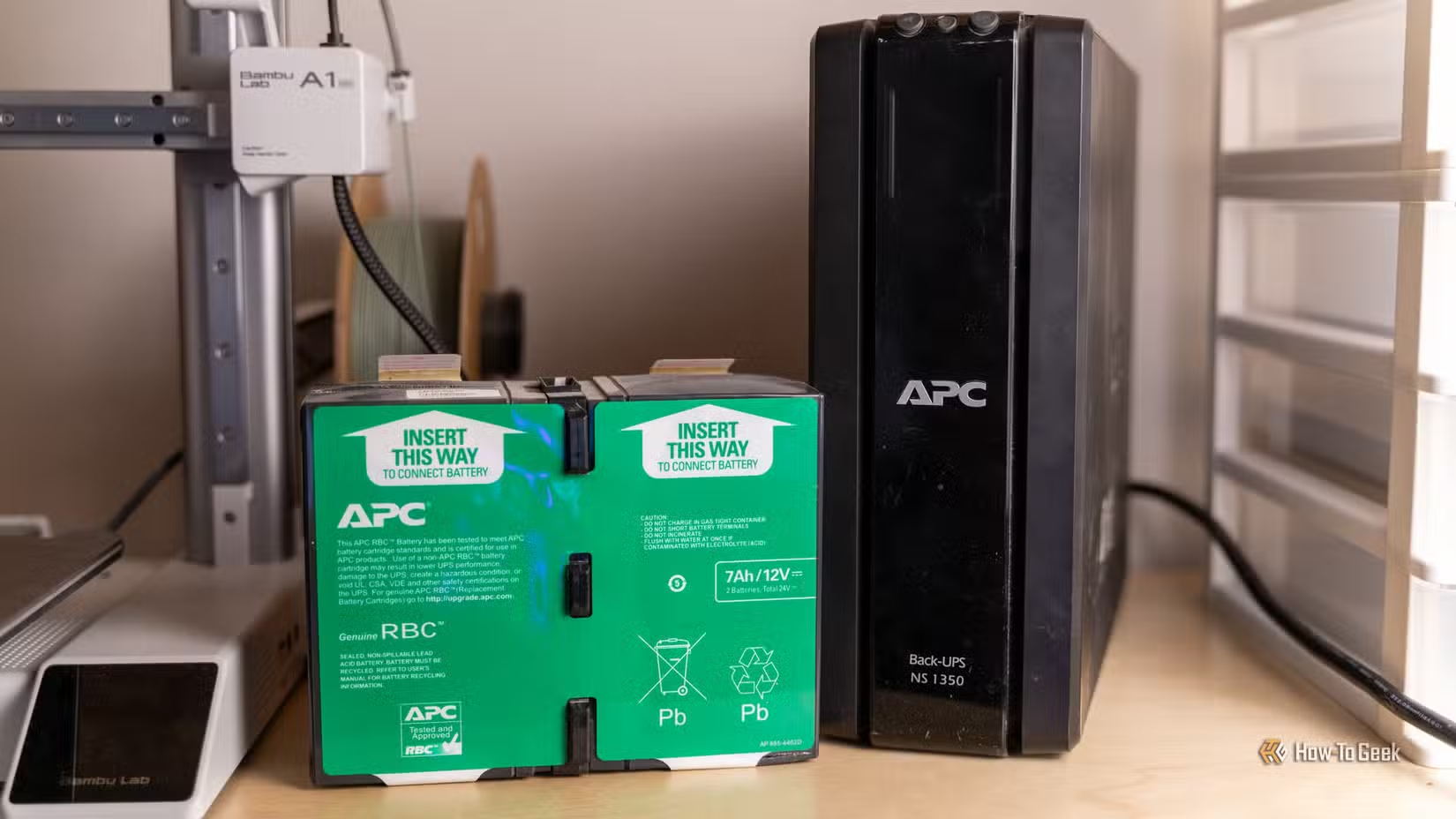
There is a physical safety advantage as well.
Power surges and brownouts can damage electronics, but if your device is disconnected completely, you don’t need to worry about it.
You reduce wear and tear
Mechanical hard drives are also subject to wear and tear, especially if they spin 24/7. On the other hand, a NAS that is only active for an hour or two every month (or whatever your backup window is) will have a much longer lifespan.
SSDs need to be powered on intermittently or their risk of data loss increases. Mechanical hard drives are basically safe to leave off—it doesn’t meaningfully affect their data retention.
An offline backup is my version of cold storage
Always-on backups are designed to protect your regular files against loss. I back up my work and hobby project files to a cloud server and a separate NAS daily. While losing them would be inconvenient and frustrating, it wouldn’t devastate me—none of it is irreplaceable.
On the other hand, the offline NAS shines when you need a backup that you want to insulate against every possible risk or attack avenue. If you have photos you can’t replace, critical documents that you don’t want to lose, or anything else like that, I’d recommend creating an always-offline NAS. So long as you’re careful with it, and selective about the files you choose to back up, it’ll be reliable and cost-effective for years.
The only real tradeoff is convenience. You need to remember to transfer your latest f1040 during tax season or those pictures you scanned from a relative.