
A while back, I repurposed an old Motorola phone as a kind of mini-tablet. I use it as a bedside display, a media center, and for gaming with a controller. I keep the display locked in landscape mode, since that’s how I use it, but there’s one problem. It doesn’t let me rotate the home screen. To fix the problem, I installed the free and open-source Discreet Launcher.
Why I run my phone in landscape mode
I turned my old phone into a tiny tablet
Although auto-rotate is a useful feature for many people, I keep it locked off on all my devices. I keep my Pixel fixed permanently in portrait mode and rotate it manually when I need to, and I want my backup fixed permanently in landscape orientation.
This suits my use of this old phone, which mostly lives on a bedside table where it functions as an alarm clock, a dashboard for information like weather, and for quick access to music and media apps like Spotify or Pocket Casts. When I pick it up, I mostly watch videos through Jellyfin or connect it to my controller for some retro gaming via an emulator.
It might seem minor, but being able to lock most apps into landscape mode while still having to rotate the phone whenever I hit the home screen is annoying. It isn’t hard to imagine other use cases beyond mine where this might also be true. If you keep a backup phone as an in-car navigation and media system, for example, you might have it mounted in landscape mode and need everything accessed in that orientation.
I treat my phone like a small tablet, which means landscape is effectively its default orientation. While there are always some apps that refuse to go horizontal — and workarounds to force them — the home screen is an important piece of the puzzle.
Discreet Launcher lets me stay in landscape
And its minimalist styling helps, too
To permanently lock my home screen in landscape mode, I looked for a third-party launcher. There are quite a few that can do it. Microsoft Launcher is pretty good as a full-featured option, but I don’t really need Microsoft all over my phone like that. Niagara Launcher is a much more minimalist option, but its design is very much suited to portrait mode even if it allows otherwise.
In the end, I went for an ultra-minimalist approach with Discreet Launcher, which I installed through the F-Droid store. It’s free and open-source and is extremely light on features, in a good way. For an older phone that no longer gets security updates, it’s a pretty safe choice.
To describe it as austere would be an understatement. Load it up for the first time, and you’ll see that the home screen is completely blank. There’s not even a dock at the bottom. It’s just your wallpaper. You have to swipe up to see a grid of all your apps. That might sound too bare for a main phone, but that’s exactly what makes it work for my secondary device.
You can add favorites to the home screen if you want to and group apps into folders, but this isn’t a launcher that’s meant to replicate how you use a normal phone. It’s a stripped-back launcher that encourages a more focused approach. For my purpose on my second phone, where I only have specific uses and don’t need to be accessing lots of random apps, it’s perfect.
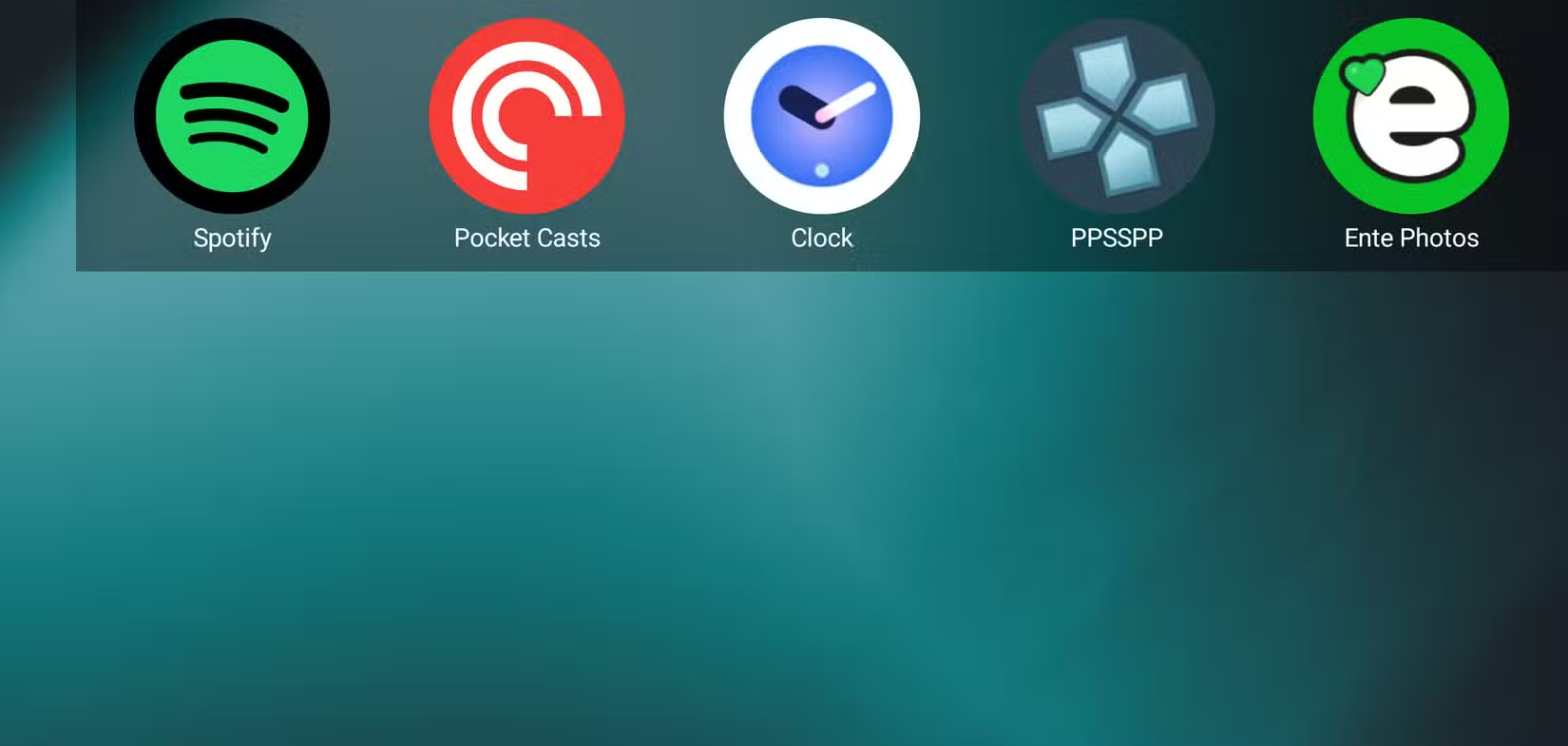
To lock it into landscape mode, I opened the screen of apps, selected Discreet Launcher, and went to Operation -> Forced Orientation and set it to Landscape. To complete the look, I enabled Immersive Mode, which removes the system bars, and also set the icon size to be much larger. I then set the handful of apps that I use on this phone as favorites by long-pressing on them, and there they were on the home screen. Just a simple line of icons permanently fixed in landscape mode, exactly how I want it.
This is admittedly a fairly limited setup. If you don’t want to give up things like widgets, multiple home screens, and comprehensive settings, then try Microsoft Launcher or the impressive Octopi Launcher as alternatives.
Why landscape works for my backup phone
It’s simple, but that’s how I like it
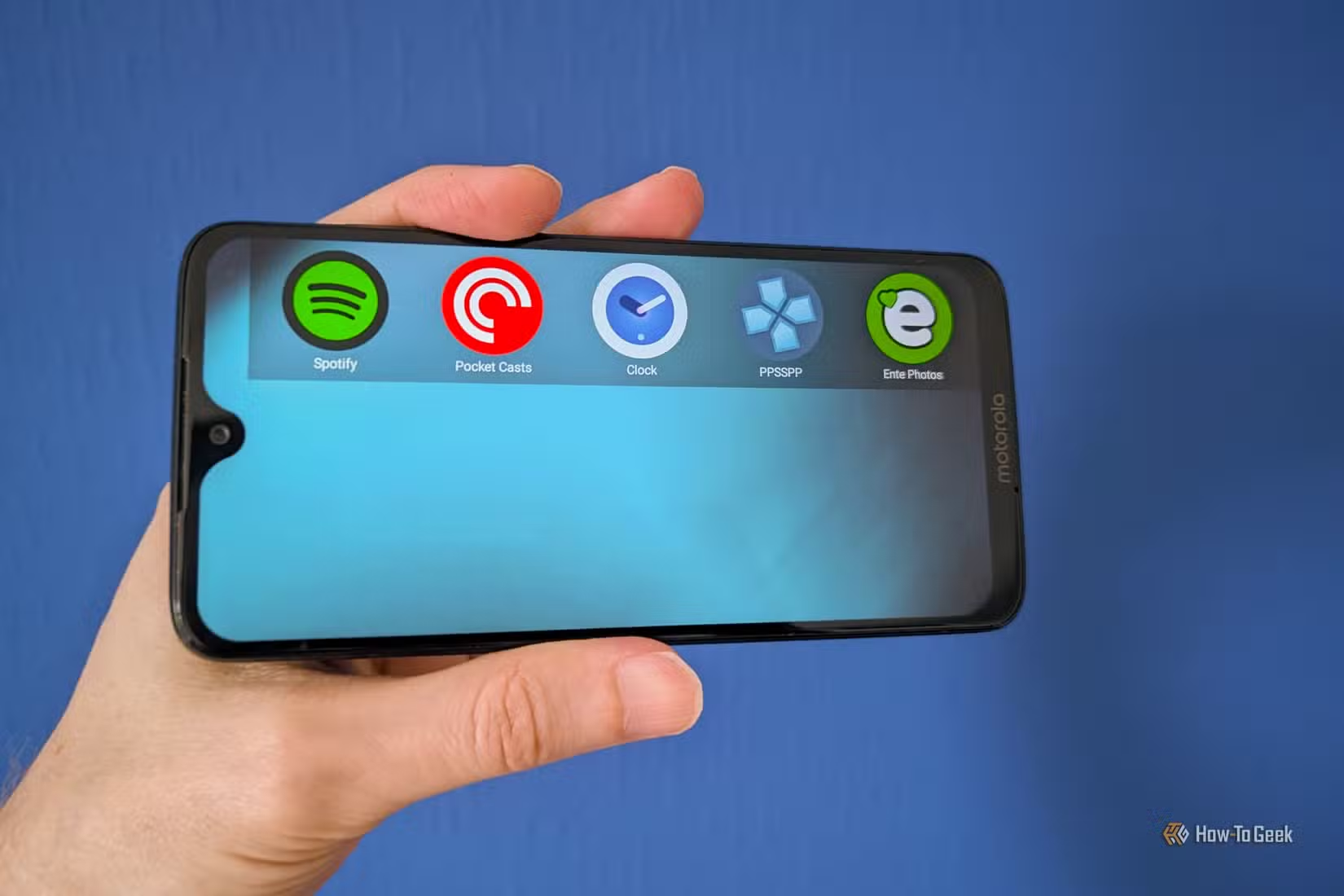
Because I’m using this on an old phone that I’ve repurposed, I don’t need it to replicate everything I can do on my Pixel. My Motorola is a dedicated little tablet for a handful of specific jobs. Stripping it all back with Discreet Launcher lets me ignore everything else the phone can do and focus on the tasks I want it for. Now, when I pick up my tiny tablet, everything is exactly where I expect it to be, and it’s always in landscape.