Alexa and Google’s Gemini are convenient, but they have trade-offs. You pay for convenience with your privacy, subscriptions, and sometimes even ads. Beyond the obvious privacy concerns, there is also a practical performance issue: most of the processing done by those types of devices takes place on cloud servers, which can introduce noticeable latency.
I wanted a fully private, local assistant that was as capable as the offerings from Google or Amazon, but accidentally discovered that the performance was actually better. Best of all, the entire thing can run on a single consumer GPU.
What my local voice stack looks like
Five open-source pieces combine to create a functioning assistant
To create my voice assistant, I combined five distinct open-source or open-weight components. They were originally created as part of a Discord bot; fortunately, they were easy to convert into a home voice assistant.
The first part is the wake word, which relies on a light, always-listening model that triggers the other models when it hears the programmed phrase. I opted for openWakeWord, but microWakeWord is a good option too.
Once the assistant has been activated, Parakeet (a model from NVIDIA) handles the speech-to-text. It runs faster than human speech on a 5060 Ti, and I haven’t run into significant problems with the accuracy.
That text is directed from that model into a decision tree. Text that explicitly matches pre-defined commands executes immediately, so saying “Play X” doesn’t require activating another AI model at all to work. If that fails, the command is piped to llama3.2:3b, which attempts to match natural speech to a pre-defined list of commands. So “Hey Assistant, I’m in the mood to listen to some AC/DC” gets mapped to “Play AC/DC,” even though I didn’t explicitly say “Play AC/DC.”
Finally, there is a Qwen 3 model available that acts as a big brain for everything else. If something I say isn’t an explicit command and the llama model determines that it isn’t a command, it gets piped through to the Qwen model, which is smart enough to hold a conversation.
Finally, Kokoro provides the assistant’s text-to-speech, so whatever the output from my voice assistant is actually gets spoken aloud.
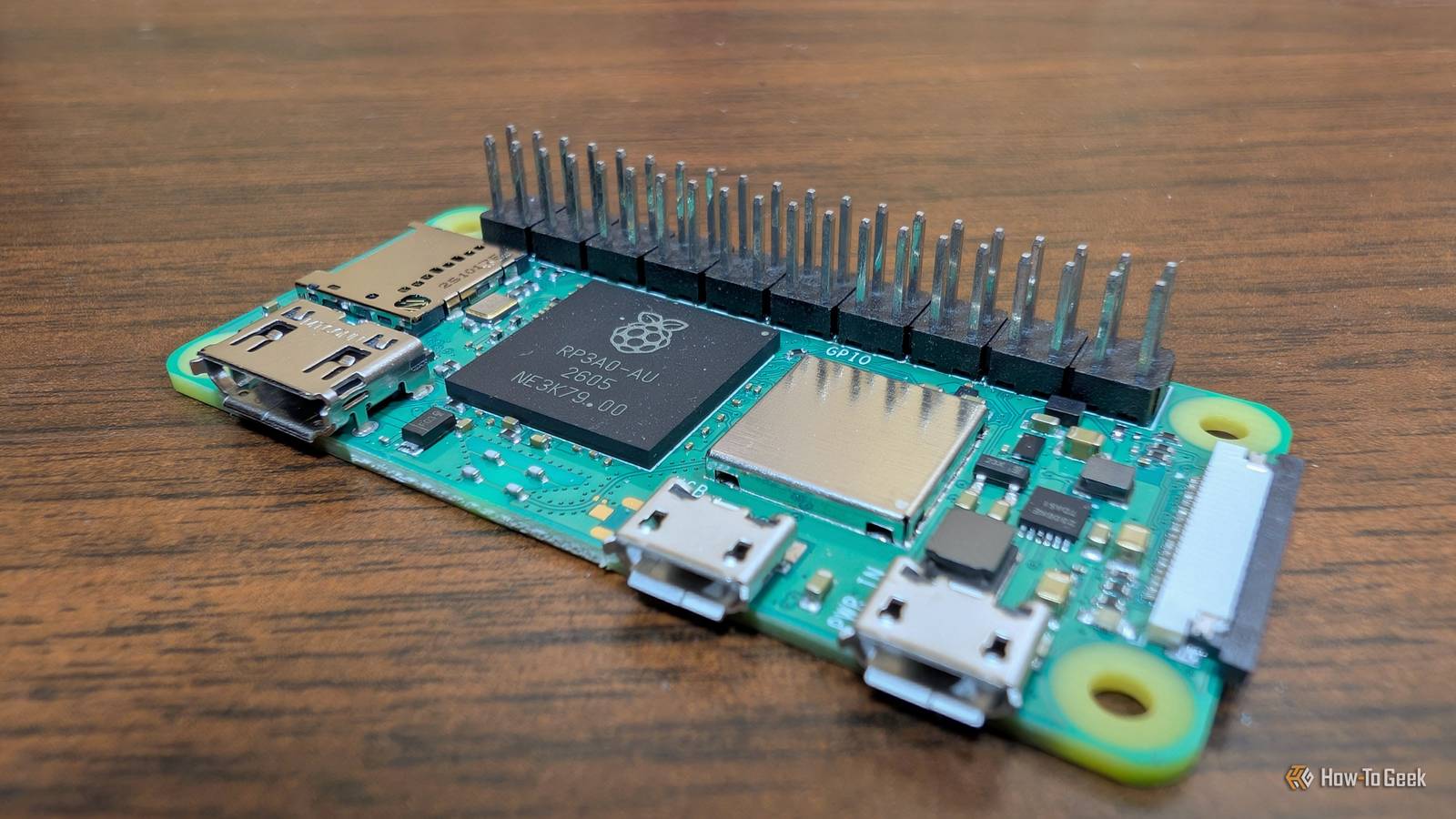
You can orchestrate this using Home Assistant’s Assist pipeline via the Wyoming protocol, or a custom script. For the hardware, you’ll want a server with a dedicated GPU to handle the AI workloads, with simple Pi or ESP32-based microphone and speaker satellites placed in each room.
Nothing leaves my server
Privacy is a guarantee
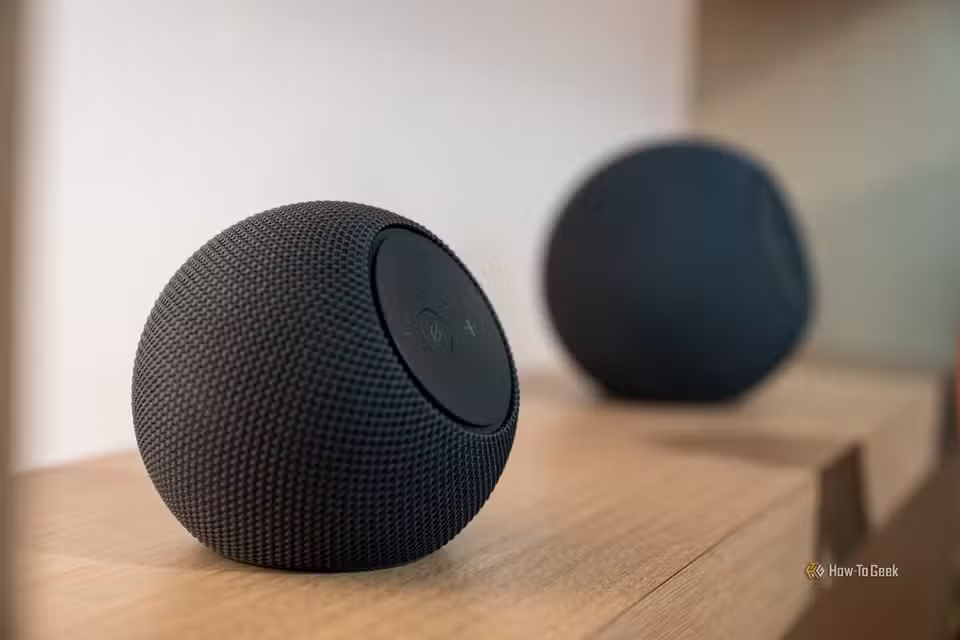
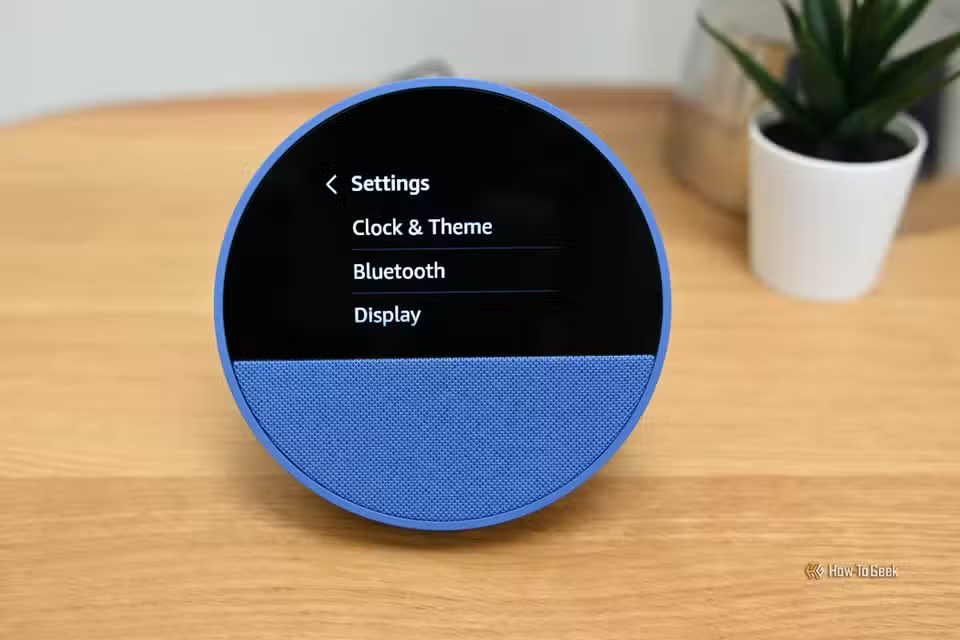
When you use a commercial assistant like Alexa or Google Assistant (Gemini), your privacy is contingent on the company’s privacy policy. Can they retain snippets of your conversation? Can they use misfires to train their model? Do they retain conversations captured after a wake word misfire?
You have no way to be sure without reading the privacy policy, which is a tedious job under the best of circumstances, and the legalese makes sorting through what precisely is happening difficult. Even then, privacy policies are subject to change.
On the other hand, your own voice assistant is totally under your own control. I initially configured my voice assistant to retain misfires and misunderstandings so that I could train a LORA to address weak points in the basic model. However, now that I have the kinks ironed out, nothing is retained—ever.
I also don’t have to worry about my voice assistant using my data to try and sell me something, which seems to be an increasingly common complaint about commercial models. The only nagging my voice assistant does is the occasional reminder I program.
It’s faster than the cloud
Local inference is faster than sending data to a server
When I first started working on my home voice assistant, I half expected that the performance would be significantly worse than commercial models. Much to my surprise, it is noticeably snappier.
As it turns out, the average round trip delay between a commercial voice assistant and the server is large enough that I can actually notice it. I can’t say for sure if the delay is related to latency, bandwidth, or something to do with processing, but it is there.
My own setup is actually noticeably faster. The wake word is detected in a small fraction of a second, and Parakeet transcribes faster than I actually speak. As a result, most simple commands run as soon as I finish speaking. Even more complex commands that require the use of the interpreter LLM are producing output less than a second after I finish speaking.
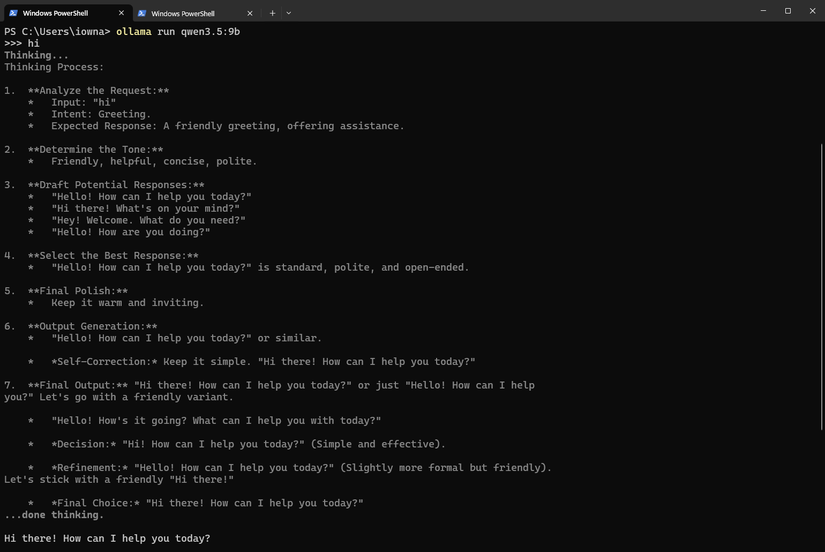
The only model that introduces a delay is the “brain” model, which is currently a Qwen 3.x model. Loading the model the first time takes more than 10 seconds, but once it is loaded into VRAM, it can respond roughly in conversational time. In other words, if I were talking with a person that had the same delay in their responses, I wouldn’t think they’re taking too long to reply.
A voice assistant is a big project, but worthwhile
If you use Home Assistant and have a GPU you can put to work, I’d recommend the project. A single GPU with 8GB of memory is enough to run Parakeet, Kokoro, and Llama3.2:3b simultaneously, and 12GB or 16GB GPUs can do much more.
The major restriction is the time involved. This is not a plug-and-play project; it took me more than two weeks to get the entire thing up and running reliably, and that was with significant help from Claude. And I haven’t even dealt with a complicated satellite setup yet. Expect to spend several days ironing out bugs, confirming that your LLMs are passing information to each other correctly, and toggling the right commands.
However, once you actually get it working, it is pretty incredible. I’m confident that my data is secure. The performance is impeccable, and I’ve trained a LORA specifically to account for the way I tend to speak and my niche use cases.
And you can reuse the “guts” of the project elsewhere. As an example, there isn’t much practical difference between an AI Discord bot and an AI home voice assistant. One listens to a physical microphone and triggers Home Assistant automations; the other listens to Discord chat and triggers bot commands.