
I’m a huge fan of wired internet, even if the cables can be a bit of a mess (which can be fixed on the cheap). But Ethernet connections aren’t the best for everything, not by a mile.
In a battle of Ethernet vs. Wi-Fi, which option takes the lead? The answer is, annoyingly, “it depends.” It comes down to what devices you own, but also the strengths and downsides of your particular connection.
Wi-Fi has gotten fast enough that speed isn’t the deciding factor anymore
Ethernet’s advantage is predictability
You’ve probably heard that Ethernet is both faster and more stable than Wi-Fi. This is still true for stability (unless you’re stuck in a loop of Ethernet troubleshooting), but for speeds, we’re much more firmly in that “it depends” territory.
Modern Wi-Fi, by which I mean 6E and 7, can push well into multi-gigabit territory under the right conditions. That means it can outperform a basic plain old 1Gbps Ethernet cable. Of course, if you buy a better cable, the equation changes until Ethernet is possibly winning again.
The catch with Wi-Fi is as it ever was; it all depends on the circumstances. More than anything, on the environment. Distance from the router, walls, where you place the router (cabinets are no good), neighboring networks, interference, client hardware, channel width … all of those factor into how well your Wi-Fi connection performs. And it’s a wide range of performance levels, from “disconnects constantly” to “it works, but it’s slow” to finally reach something close to perfection. (Let’s be real, it can never be perfect, but if it’s good enough to not complain about, that’s perfect in my book.)
Ethernet doesn’t need as much to do a good job for you. If the cable works, and both the devices work, you’re probably good. Although, with my ISP track record, you never know.
When all is said and done, Ethernet’s advantage in 2026 comes down to not speed, just consistency. That changes which devices need to be wired up and which ones don’t.
My heaviest network users still get Ethernet
Desktops, consoles, and especially NAS boxes benefit the most
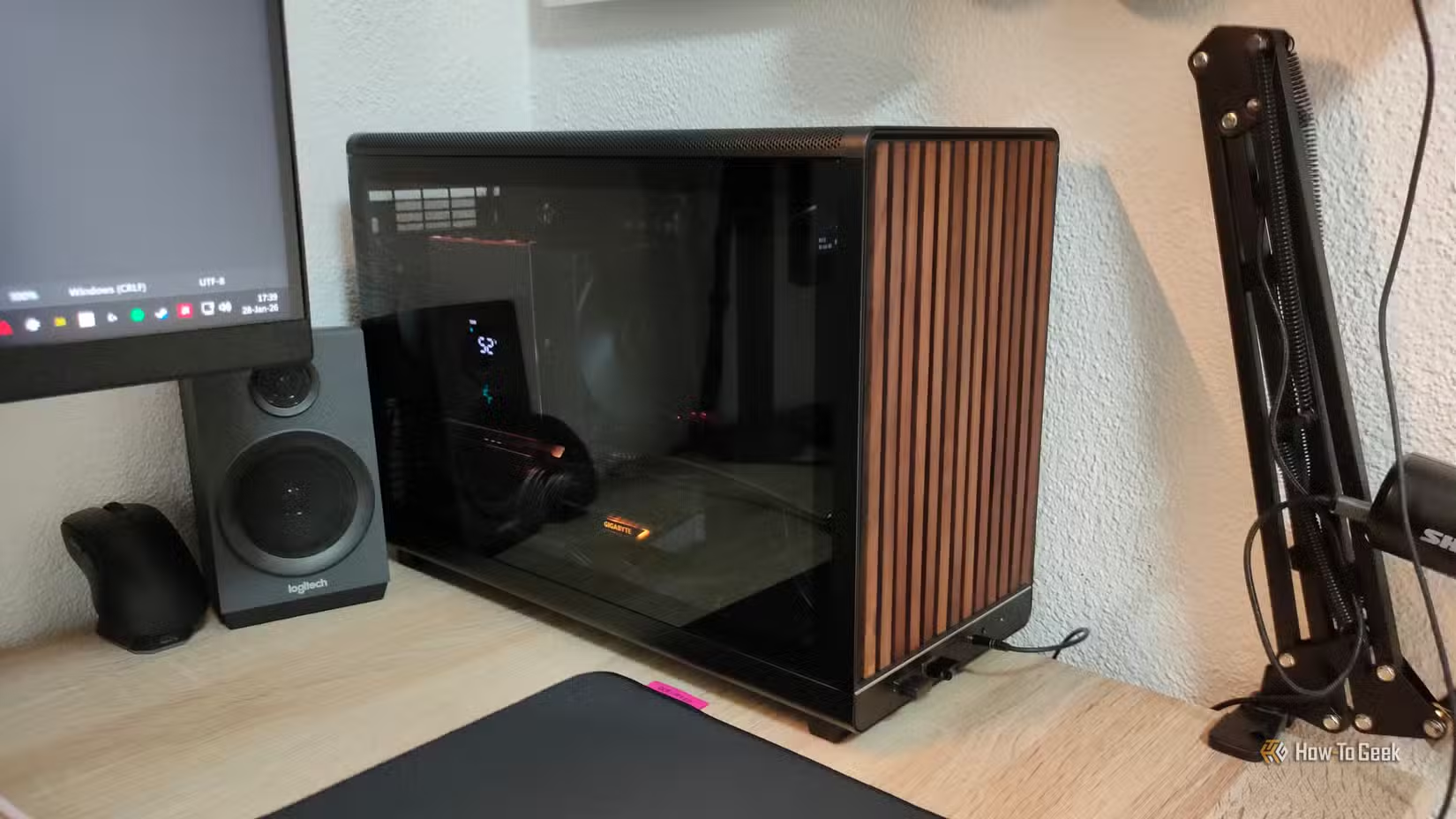
Right, before we get into the practical portion of this conversation, I feel that I need to start with a disclaimer: Your personal mileage may vary. Depending on your hardware, Ethernet may or may not be faster, so please check everything first before making the choice to move something to a wired connection. However, I do believe this advice applies to 99% of households.
For my part, I still wire up the devices that either move a ton of data or benefit from the connection being super predictable. I also tend to wire up devices that are static.
Personally, I can’t imagine using Wi-Fi on my desktop PC when Ethernet is right there. I do the same with the consoles that are static, so everything except my Switch 2. Gaming itself doesn’t use up loads of bandwidth, but consistent latency and overall stability are an absolute must.
If you have a NAS, well, that’s a choice so obvious I hesitate to even mention it. Your NAS should definitely be used with a wired connection, as its whole job is shoveling data around the entire local network. Speed is great here, but consistency is better, paramount, even.
The TL;DR is that if it sit still and/or moves lots of data, wire it up.
Network hardware is where I’d fight hardest to run a cable
Don’t make Wi-Fi carry Wi-Fi unless you have to
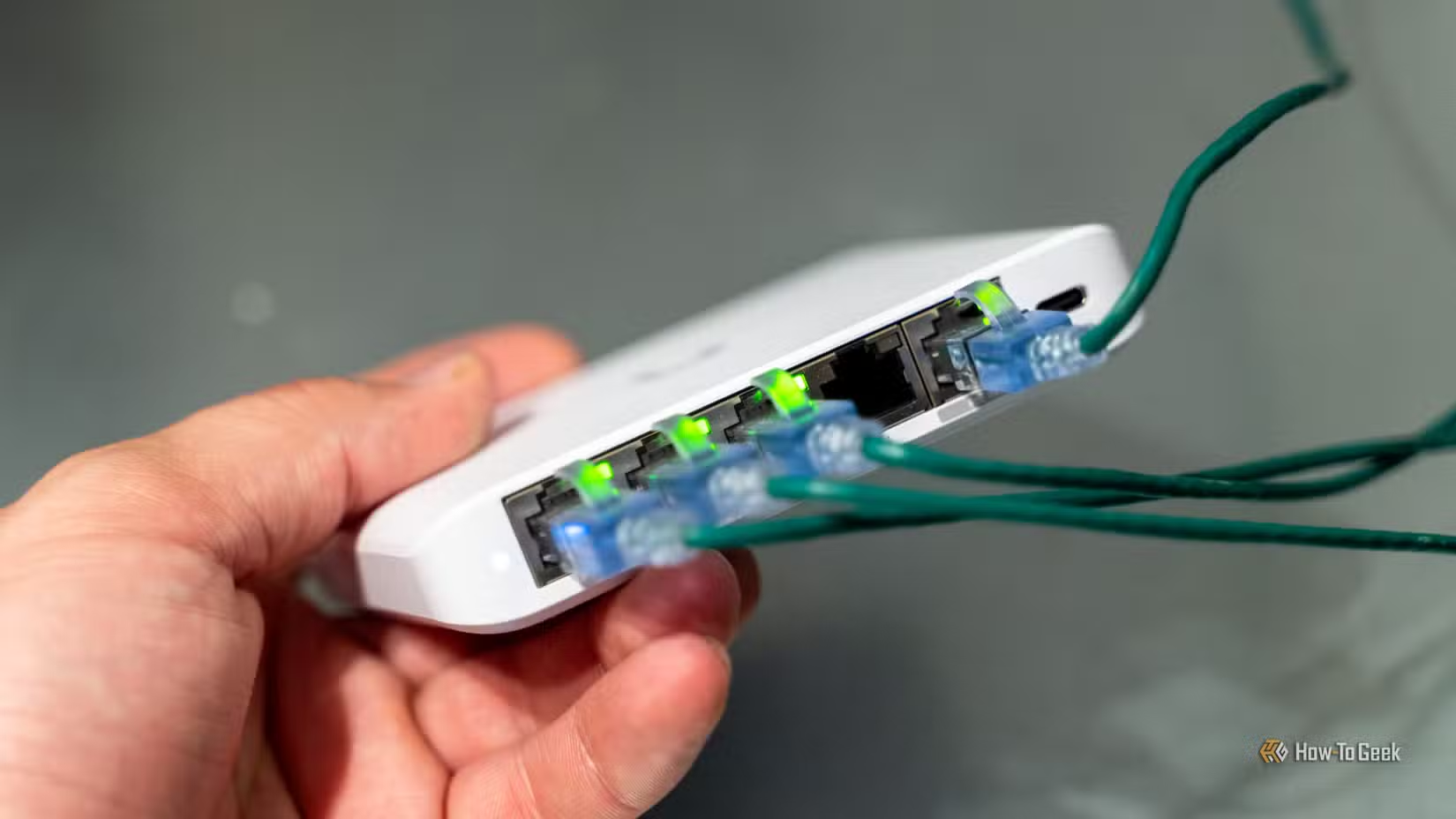
One of Wi-Fi’s weakest links is that you may end up with some dead zones, especially in larger homes. But that can be fixed with additional network hardware … which, you guessed it, works best via Ethernet.
Access points and mesh nodes can work perfectly well over wireless backhaul, but that means they’re using Wi-Fi not just for your devices, but also to talk back to the rest of the network. If you connect them via Ethernet for wired backhaul instead, you’re removing all that extra traffic and giving each node a much more predictable path upstream.
The same logic applies to things like security cameras and other fixed network gear. The fewer jobs Wi-Fi is tasked with, the better it works across your entire network, giving you that predictability that we all crave (from network hardware, at least).
Some devices really don’t need it, though
Plenty of devices are better left wireless
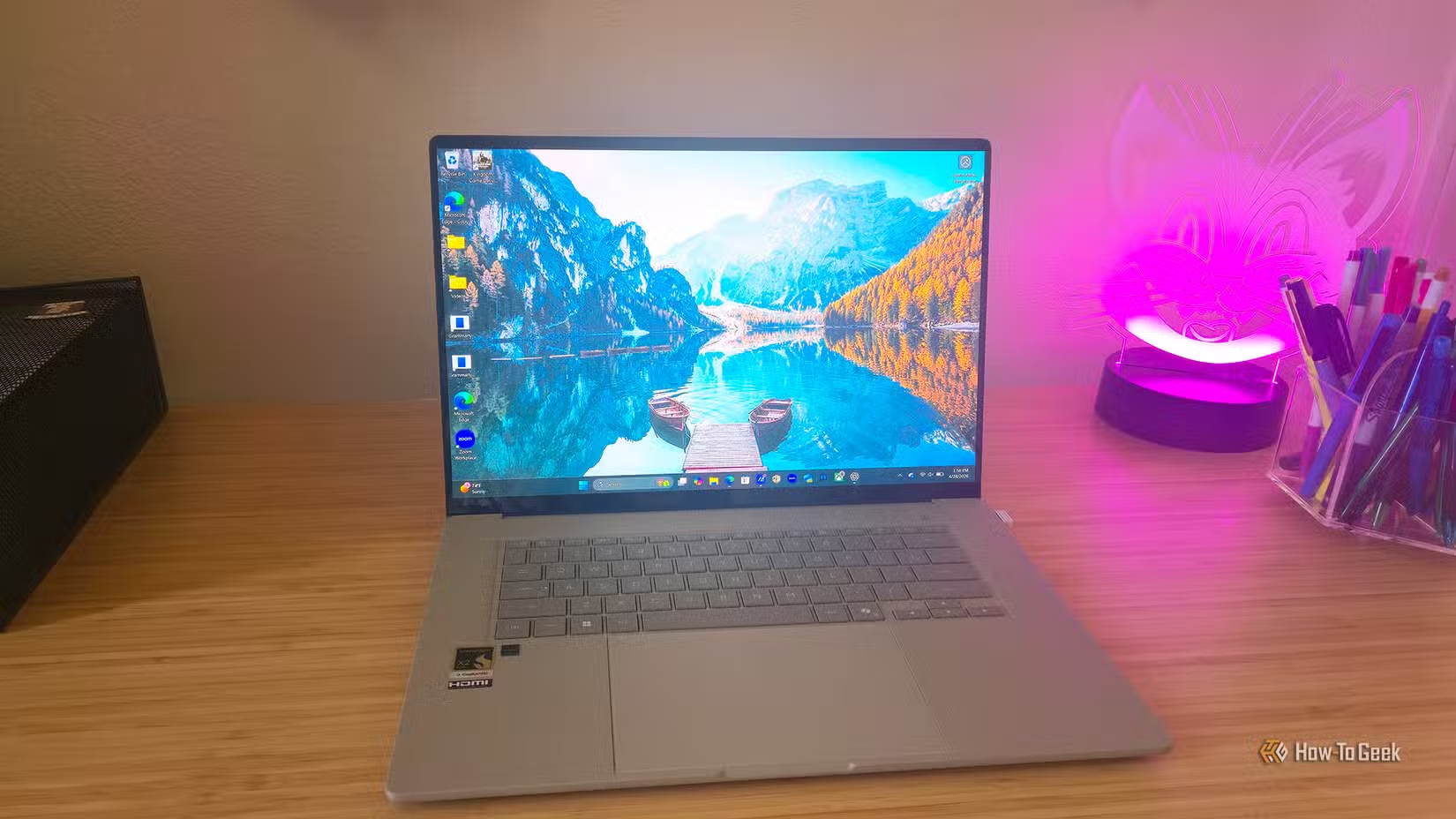
Some devices benefit from Ethernet, but not so much that you have to wire them up.
TVs, for instance. I’d still use Ethernet if it’s practical, but it’s often not. After all, who wants a cable running through their entire living room, and then potentially all the way to the office? On the other hand, streaming is one of those things that heavily benefit from a dependable connection, so if you’re experiencing slowdowns, poor image quality, or disconnects, I’d try Ethernet with your TV. Otherwise, Wi-Fi should be just fine.
Laptops, phones, smart speakers, or tablets obviously belong on Wi-Fi. Many of those don’t even have an Ethernet port, nor should they. Where mobility matters, Wi-Fi is king, and that’s not going to change.
I don’t wire things just because I can
Although I value wired connections, I know that realistically, many people prefer Wi-Fi for its sheer convenience. That’s fine: if it’s not causing you any trouble, there’s no need to switch it up. But if your connection is struggling, you may benefit from switching to wired on the devices I talked about above.