
If you’ve spent any time using the Linux terminal, you’ve probably used the grep command. It’s what you use to quickly find a search term in a file or find all the files containing that term. It’s useful, reliable, and fundamental to most terminal workflows. That said, grep is old — more than 50 years old. A lot has changed since then — our computing habits have evolved, and new technologies have emerged.
ripgrep is one such new technology. It’s a Rust-based alternative to grep that offers most of the same capabilities, along with smarter defaults and generally faster performance. I’ve personally been using grep for years, but once I switched to ripgrep, it became my new default — it’s just that much better. That said, here’s a quick overview of how the two commands compare, so you can decide whether to switch to ripgrep for yourself.
Replacing grep with its modern alternative
A side-by-side comparison
The easiest way to understand how simple it is to replace grep with ripgrep is to see the two commands side by side. Here are some of the most common things you might use grep for, along with the equivalent rg command.
I’ve included screenshots showing both commands in action for all of these examples in the image gallery above, so you can see exactly how their output compares.
First, here’s how you search for a specific word in a file using grep vs. ripgrep:
grep server demo.config
rg server demo.config
Notice how ripgrep shows the line number for each of those instances by default. With grep, you’d have to explicitly use the -n option to get line numbers.
grep -n server demo.config
rg -n server demo.config
Next, you often don’t have a specific file in mind, just the keyword, and want to recursively search a directory for all files containing that specific keyword. To do that, grep requires you to explicitly use the -r option, whereas ripgrep searches recursively by default, with no extra flags necessary:
grep -r wallpaper
rg wallpaper
ripgrep also does a better job of organizing the results by grouping matches under their respective filenames. I find this much cleaner than grep’s more list-like output.
And speaking of default features, you also don’t need to use the -E option when searching with a regular expression, as you do with grep. ripgrep uses regular expressions by default, so you can simply provide the pattern:
grep -E 'port\s*=\s*[0-9]+' ~/demo.config
rg 'port\s*=\s*[0-9]+' ~/demo.config
ripgrep’s also becomes particularly useful when you’re searching through a Git repository. By default, grep doesn’t know or care about your .gitignore file. If you recursively search a project with grep, it’ll show you matching files even if you’ve told Git to ignore them. ripgrep, on the other hand, respects .gitignore by default and skips ignored files, giving you more signal and less noise.
That said, you can use the -uu option to make ripgrep search through hidden and ignored files, giving you an output that’s closer to grep if you need it:
# Use after cd-ing into a Git repository
grep -r database
rg database
rg -uu database  # Search hidden and ignored files, too
Other than this, ripgrep also supports most of the same options as grep, so you don’t have to relearn an entirely new syntax. You can use -i to make searches case-insensitive, -v to show results that don’t match the search term, -l to list the names of files containing the search term rather than the matching lines, -C to show context lines surrounding the match, and the like.
The one problem with this modern alternative
Where the old grep command pulls ahead
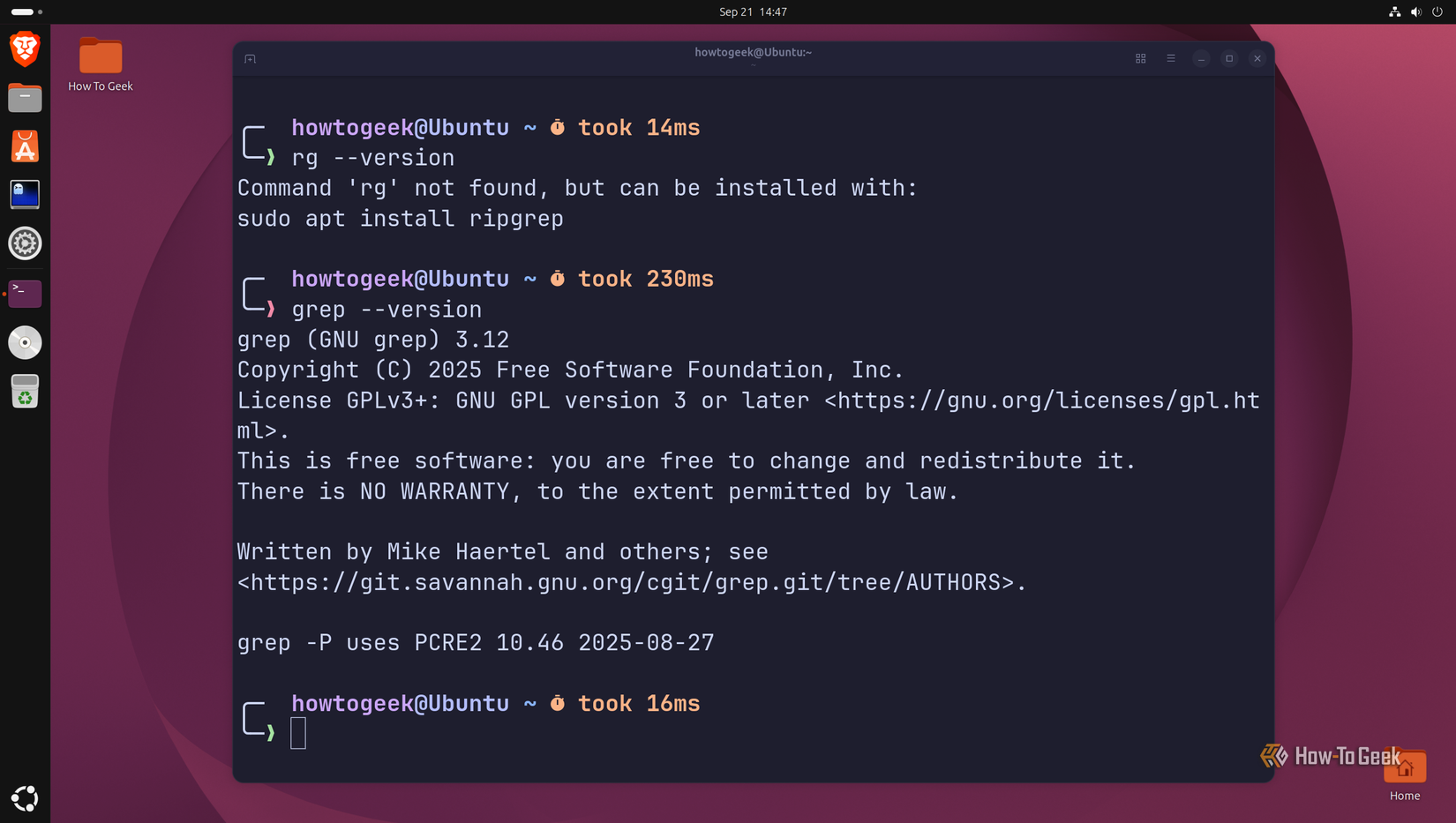
As you can see, ripgrep can do almost everything you’d normally use grep for. The syntax is remarkably similar, and rg is generally optimized for fast searches through modern projects. For most of my everyday searching, rg has effectively replaced grep, and I suspect that’s going to be true for regular Linux users. However, a couple of situations still call for the older command.
The biggest one is portability and ubiquity. grep is part of the standard Unix/POSIX tool ecosystem and is available by default on essentially every Linux distribution. ripgrep, on the other hand, is a separate third-party utility that you have to install yourself. If you’re just working on your own computer, it’s barely an inconvenience. However, if you’re writing a shell script meant to be deployed across many different systems, you’ll need to account for systems where ripgrep might not be installed. With grep, you don’t have to worry about this kind of incompatibility.
The other difference is that rg is deliberately opinionated. Its smart defaults — such as respecting .gitignore and skipping hidden and binary files — are extremely convenient when you’re searching a project. But sometimes you don’t want a smart search tool and instead want something more predictable and literal that searches exactly what you tell it to search. That’s where grep becomes the better alternative.
There are also some differences in regular expression support. rg’s default regex engine intentionally doesn’t support certain constructs, such as back references and look arounds. You can switch to PCRE2 with the -P option when you need them, but that means opting out of rg’s default regex engine and losing some of the performance gains. Granted, for most searches, this won’t matter — but it is one reason rg can’t be a universal replacement for grep.
How to install and start using the command
It takes less than two minutes
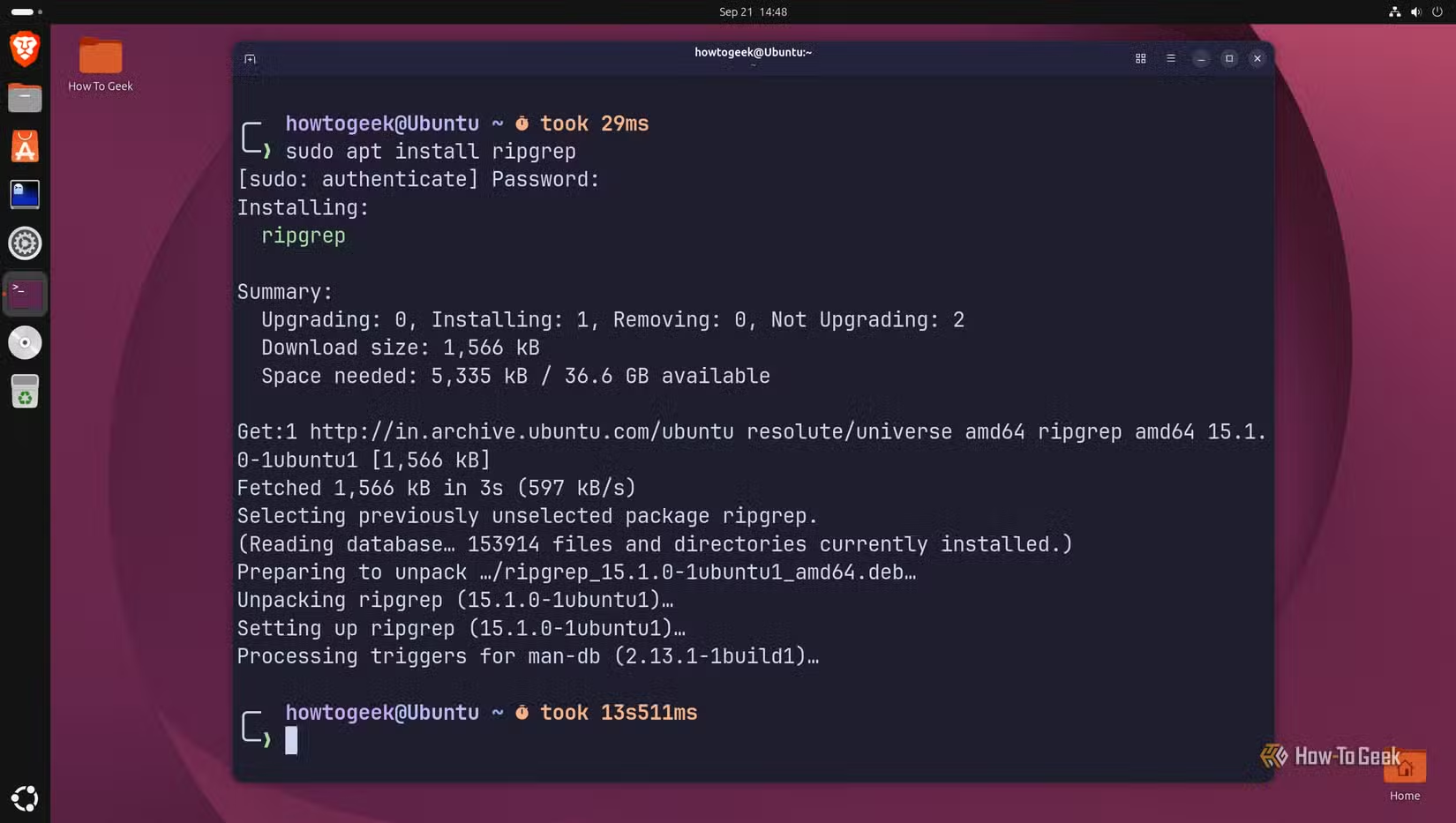
Installing and setting up ripgrep is about as straightforward as it gets. Although it’s not built in by default, it’s available in the official repositories of all major Linux distributions. You can install it using a single command:
sudo apt install ripgrep # if you're on Ubuntu
sudo dnf install ripgrep # if you're on Fedora
sudo pacman -S ripgrep # if you're on Arch
I should also mention that ripgrep isn’t limited to Linux distributions. It’s also available on macOS and even Windows. On macOS, you can install it using Homebrew:
brew install ripgrep
On Windows, it’s available through Chocolatey, Scoop, and Winget:
winget install BurntSushi.ripgrep.MSVC
choco install ripgrep
scoop install ripgrep
Check out the official GitHub repository for ripgrep for more information.