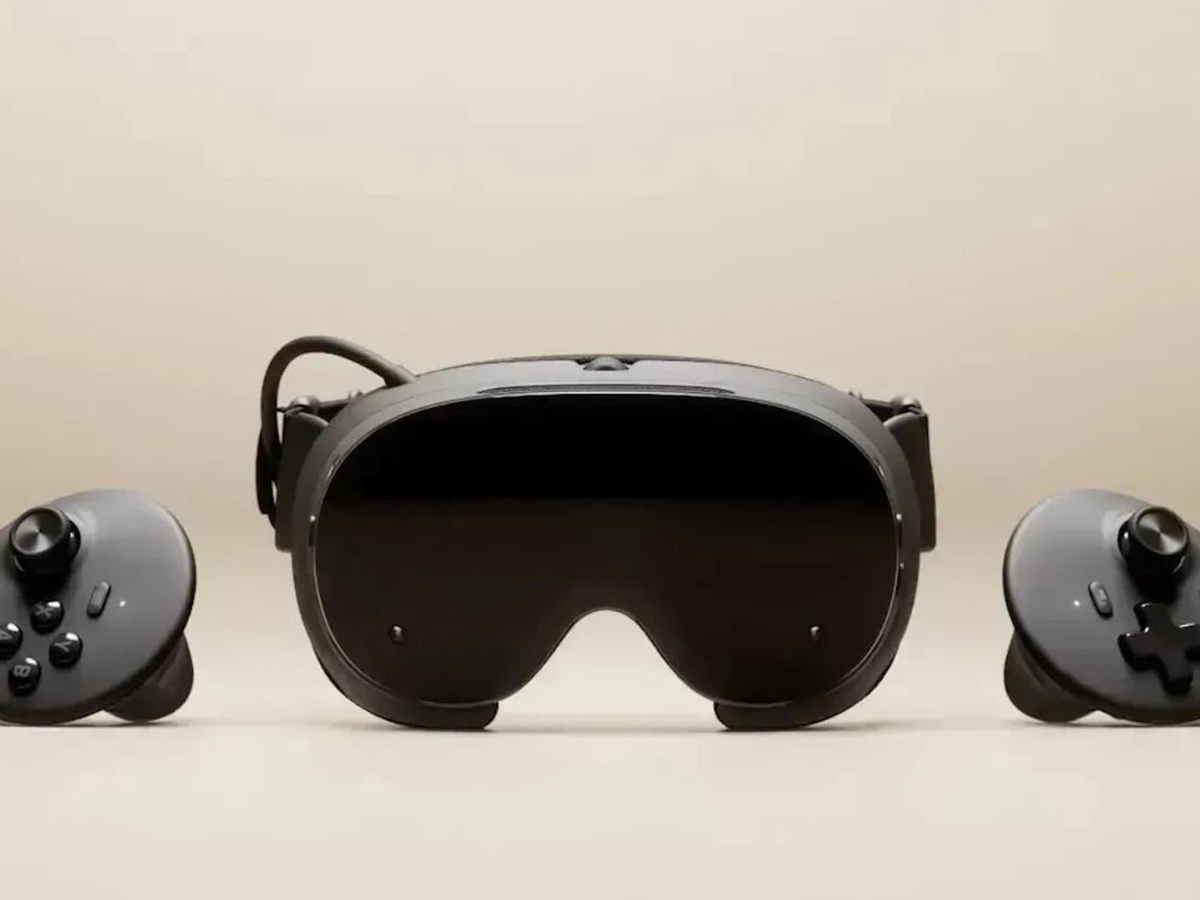
Valve has made Lepton available as open source software. The Android compatibility layer was developed for the Steam Frame headset and enables VR developers to port their existing Android games to the device without needing to rebuild them for a different platform.
The code offers insight into the way Valve adapts Android for use with VR gaming on SteamOS, covering aspects such as graphics access, development, and profiling tools.
Lepton is now available on Valve’s GitLab repository, the release following the launch of the Steam Frame and Valve’s previous announcement of Lepton in March. Lepton has a function similar to that of Proton but employs a different technical method.
How Valve Lepton Works with SteamOS
Lepton is just like Proton, which is Valve’s tool for playing Windows games on SteamOS and Linux; rather than translating Windows interfaces, Lepton sets up a special Android environment that is designed for games.
The company has deliberately restricted the environment. Lepton has no intention of turning the Steam Frame into a general-purpose Android device or of supporting all Android apps. In order to cut down on overhead, the Android services which are not needed for gaming are switched off. This may have an impact on applications that depend on those services.
Lepton is designed to work closely with the SteamOS host system and it installs the host libraries for the graphics drivers, Steam, Steamworks, and the Vulkan layers.
Valve specifies that support is provided for graphics stacks such as Mesa and Zink, as well as for Vulkan tools relating to foveated rendering and render-pass optimization.
The fact that these features are important in VR games lies in the need for efficient rendering and stable frame rates if comfort and image quality are to be ensured. Valve is able to avoid some of the overhead associated with a more isolated container setup by having the host graphics stack exposed to the Android environment.
Valve Lepton Developer Tools and Availability
Lepton provides various tools for developers who are transferring games to the platform; it supports debuggers such as strace, GDB, LLDB, and RenderDoc, as well as Perfetto for performance profiling. The flat-screen application window is hidden by default, but developers have the option of turning it on for testing and troubleshooting purposes.
Valve states that Lepton can be operated without the need for root access or root-level configuration tools, and that all the processes within a Lepton instance run under the same non-root user.
As stated in the project’s documentation, there is no mandatory isolation between applications within an instance, and therefore each app is supposed to run in its own individual Android container.
Now you can find Lepton’s code in Valve’s GitLab repository. For developers, the open-sourced code provides a clear insight into Valve’s method of supporting Android games on SteamOS, particularly in relation to the use of host graphics libraries, Vulkan layers, and a reduced Android software stack.
Valve adds that it also offers Linux developers a foundation on which to experiment with other applications, even though such uses are outside the main aim of Lepton.