
Anyone who listens to podcasts on a long drive has probably run into a situation where Google Maps calls out a turn and the audio volume will lower, but never come back up. I’ve seen this cause multiple issues, especially when you try to fix it on the road. It feels random, but it happens so often that it’s hard to blame anything but Android Auto, wireless or not.
Android Auto gets confused about which app is playing
Your car loses track of your podcast volume
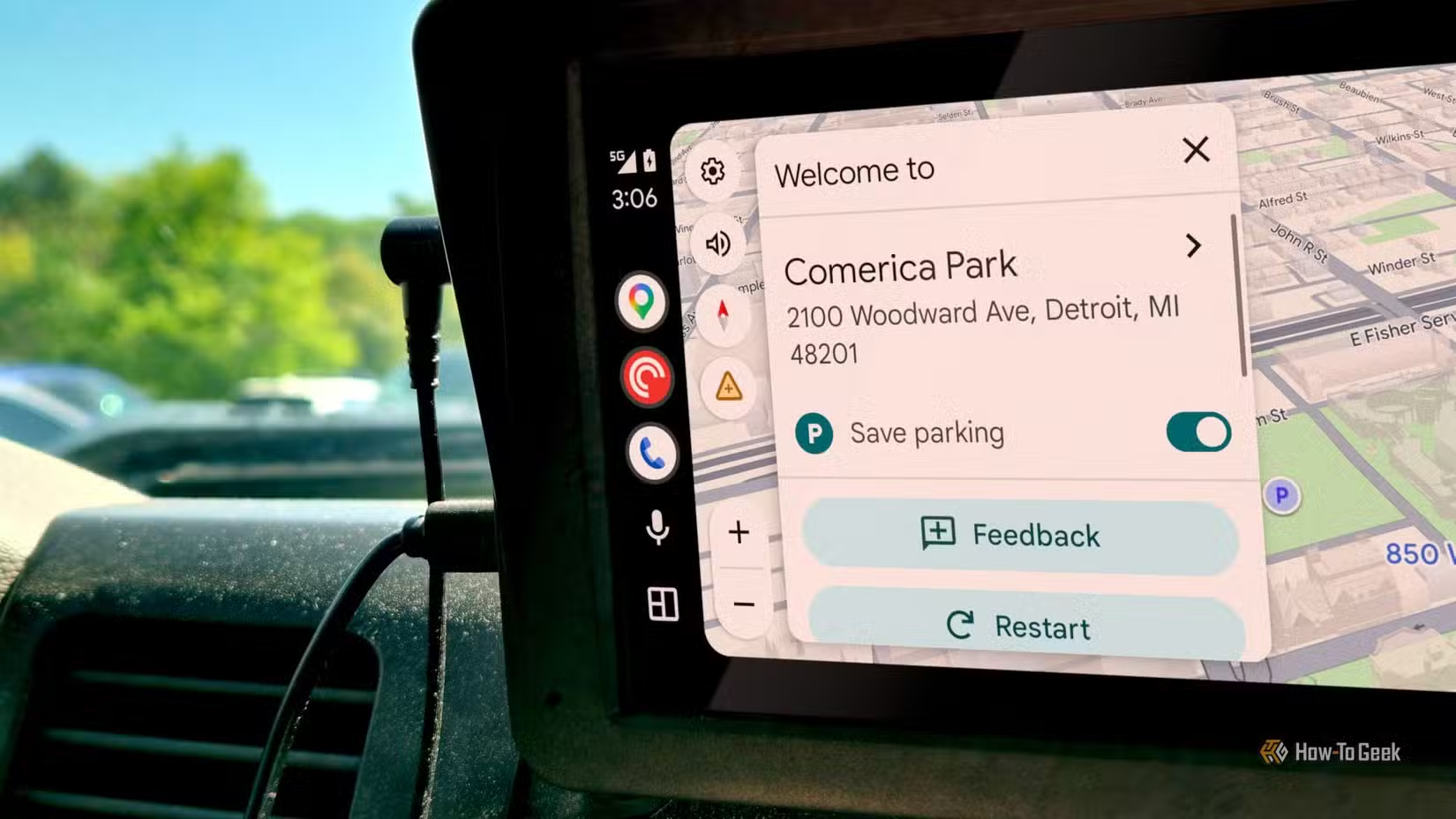
For some reason, Android audio has an issue focusing between Google Maps and whatever media app you’re running. Apps on Android don’t get direct access to the speakers. They have to ask the OS what they’re running exactly.
If you’re driving and listening to a podcast, that app holds permanent audio focus under the media category. When Maps needs to give you a direction, it requests a temporary focus that lets it duck the background audio. Android Auto lowers your podcast, so the nav prompt comes through clearly without killing the podcast entirely. It does this with many other apps it supports.
When the prompt ends, Maps is supposed to release that temporary hold and the podcast pops back to full volume. But it messes up so often that it’s basically a regular issue now. The system loses track of where the media audio was actually coming from.
Your podcast or music gets put on pause, and it shouldn’t. Mismatches between the phone OS, the head unit, and Bluetooth handling mean the system can’t keep the nav voice cleanly separated from your music or podcast.
I’ve noticed that if you touch the volume knob or steering wheel controls while the nav voice is talking, or right as it finishes, the system misreads the input. The volume target was locked to the nav channel, so the OS treats your button release as a media control command instead of a volume change.
There are times I’ve done this just to have Maps drop out entirely. Then, it can end up sending that signal to a different media app entirely, like Spotify or YouTube Music.
That part is awful because the volume tends to be much higher than I was ready for, and it goes mid-song. I can’t be the only one who ends up with a completely different app running the car’s audio.
You can stop the volume drops yourself
A few settings will fix the audio bug
So this volume displacement bug has a permanent fix, but it can get a little complicated. It’s one of those settings you should change first if it’s a big issue for you.
You need to disable system-level audio ducking, so Android never triggers those transient gain drops in the first place. On Samsung Galaxy phones, you do this through Good Lock. Open the Galaxy Store, grab the official Good Lock app, install the Sound Assistant module, then enable “Maintain media volume while using navigation.”
If you’re not on Samsung, you can turn off something similar inside Google Maps itself. Open the app, tap your profile icon in the top right, hit Settings, go to Navigation settings, and turn off “Play voice over Bluetooth.” That routes navigation audio through your phone’s speaker instead of the car’s Bluetooth connection, which gets around the ducking glitch for some people.
A second fix is manually setting the Guidance Volume level inside Google Maps on your phone. Open Maps, tap your profile picture, go to Settings, then Navigation settings, and find the Guidance volume controls.
Adjusting it right there in the app sets a fixed volume gap between the nav prompts and your music or podcast, and it sticks. Set your preferred prompt level before you start driving, and you won’t need to mess with steering wheel buttons or the dashboard knob while a direction is playing.
If none of that works and you’re still stuck with lower volume, try clearing the cached profile database in your phone’s Bluetooth subsystem. Open Settings, tap Apps, select See all apps, tap the three-dot overflow menu top right, and choose Show system. Scroll to Bluetooth or Bluetooth Legacy, tap Storage & cache, hit Clear Cache, then restart your device.
Safety design causes bigger distractions here
The system creates the problem it tries to prevent
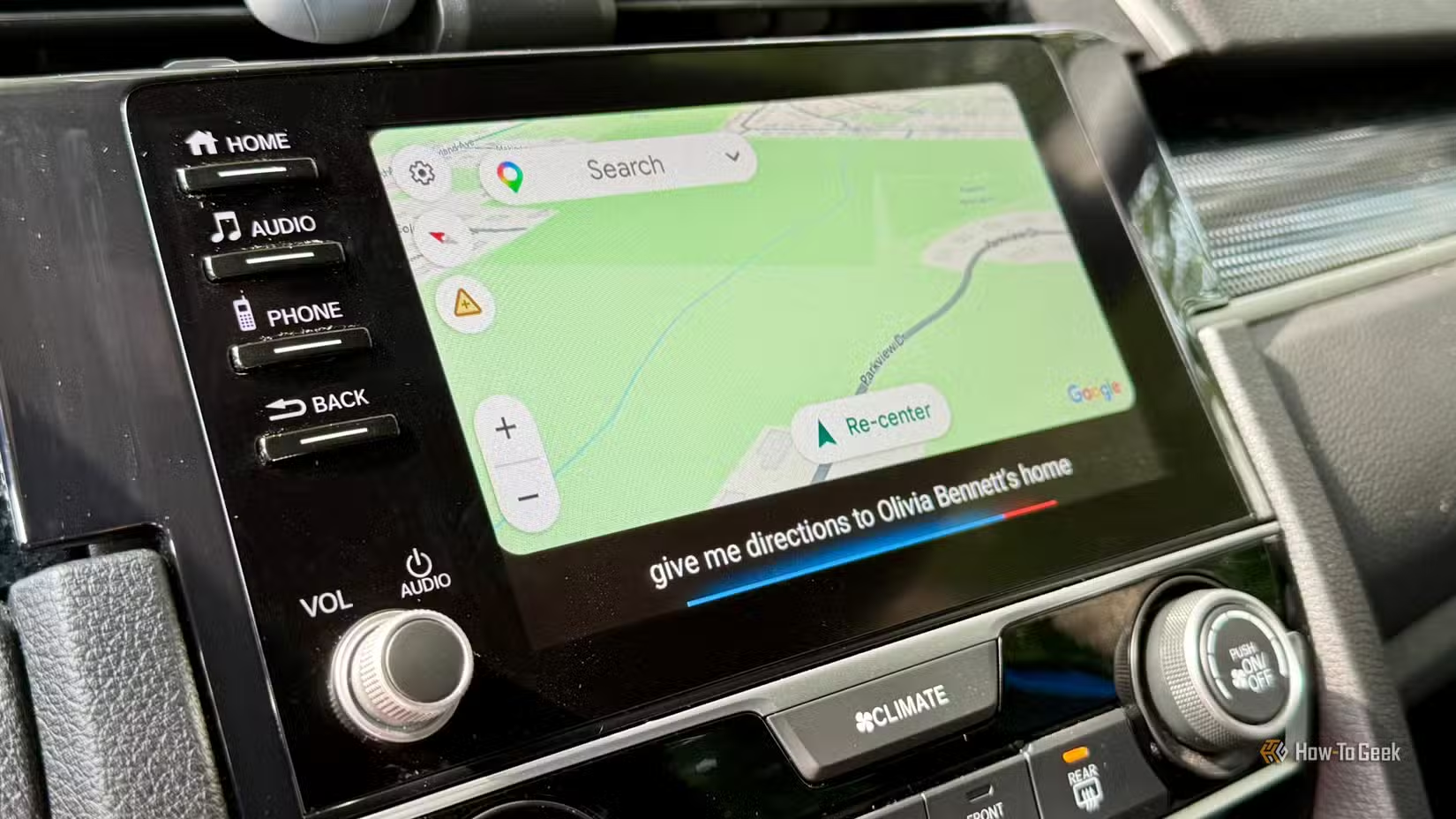
I don’t like the idea of fixing this because it’s a deliberate safety choice. In the car, sound is there to keep you safe, and navigation has to win over entertainment every time. If you miss a turn because your music or podcast drowned out the directions, that’s an immediate hazard. So the system puts navigation first and forces background audio to be less distracting.
Suppressing the background stuff is meant to prevent the surprises you’d get from a loud navigation update. That in itself could scare you into an accident. In Google’s view, it’s a necessary way to keep important cues audible over cabin noise.
I still think that there is a huge issue with the whole system. It’s fine as a safety mechanism, but Android’s transient audio focus framework is supposed to restore your media exactly as it was once the nav prompt ends. That’s where we all get angry.
When the platform fails to bring back your podcast, or kills the session entirely, or sends your hardware button press to Spotify or YouTube Music instead, that breaks the core design rule. That’s the real issue.
Forcing a driver to poke through menus or grab their phone just to restart a podcast is way more distracting than a navigation update. So it’s hard to say what you should or shouldn’t do when the solution causes a lot more problems.
There’s no fix until Android Auto is fixed
This is still a platform-level issue with no patch or update coming to fix it. You’re basically managing a known bug instead of getting rid of it. The workarounds hold up well, but this really needs to be fixed by Google. These workarounds come with their own issues.