
Are you sick of having Wi-Fi problems? Yeah, so was I. And the internet is full of hacks that supposedly help so much, but most of the time, you’ll be changing some settings and then scratching your head, trying to determine what exactly is now so much better.
So I set out to test a whole lot of different “Wi-Fi hacks.” These are the only ones that actually made a difference.
I let the router choose the correct band
It’s a popular hack for a reason
Turns out that yes, if you don’t optimize your router a little bit, you’re basically actively throttling it. One of the first things you should optimize is band selection.
You have two options here: either do the micromanaging yourself, assigning each device to either the 2.4GHz, 5GHz, or even the 6GHz band, or let your router call all the shots.
Routers that support band steering, often referred to as Smart Connect, can do that for you, and there are some perks: both bands can share the same network name, and then the router decides where each device belongs based on stuff like signal strength and capability.
Turns out that my router does a pretty good job of this, because doing Smart Connect fixed one of my Wi-Fi problems: devices hanging around on the slower 2.4GHz band when they should advance to the faster band.
With that said, there’s some benefit to doing this yourself if you know how (and your router doesn’t). I recommend moving all the IoT gadgets to the 2.4GHz band and keeping the faster bands for the things that need them.
I stopped treating wider channels as automatically better
A giant channel isn’t useful if everyone’s fighting over it
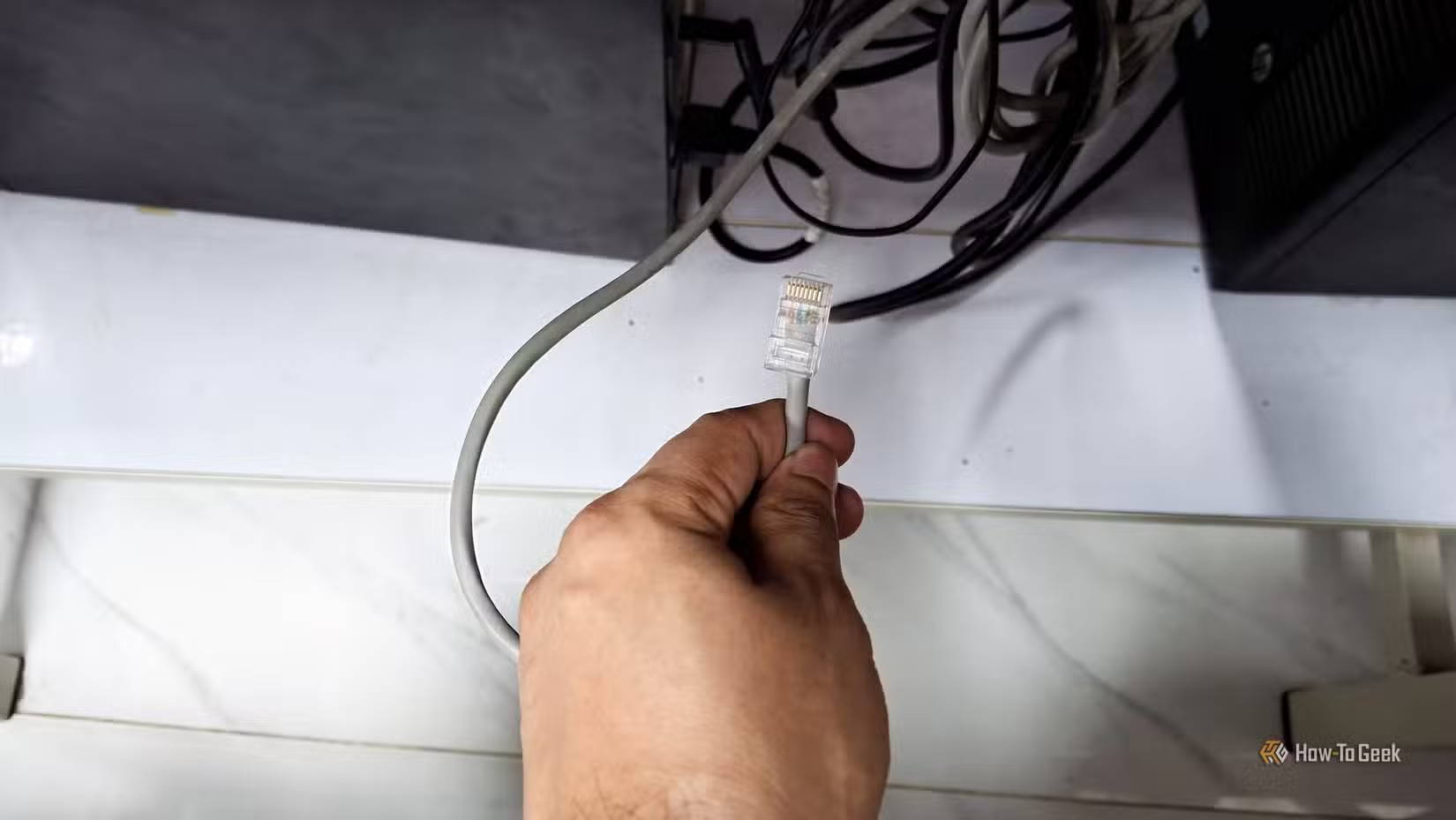
It’s easy to assume that wider channel = bigger numbers = better. After all, the “higher number is better” thing echoes throughout the entire tech world. But in networking, the wider the channel, the more spectrum it occupies, and that means it could be overlapping with neighboring networks. That’s a hop and a skip away from interference.
If you live in a house and your neighbors are a ways away, you’re most likely fine. But those of us in crowded apartment buildings might want to switch from the 160MHz channel to something less wide. Many routers will let you pick optimal channel width, and some will do it for you if you let them.
I kicked the devices that didn’t need Wi-Fi off Wi-Fi
Ethernet made the wireless network better too
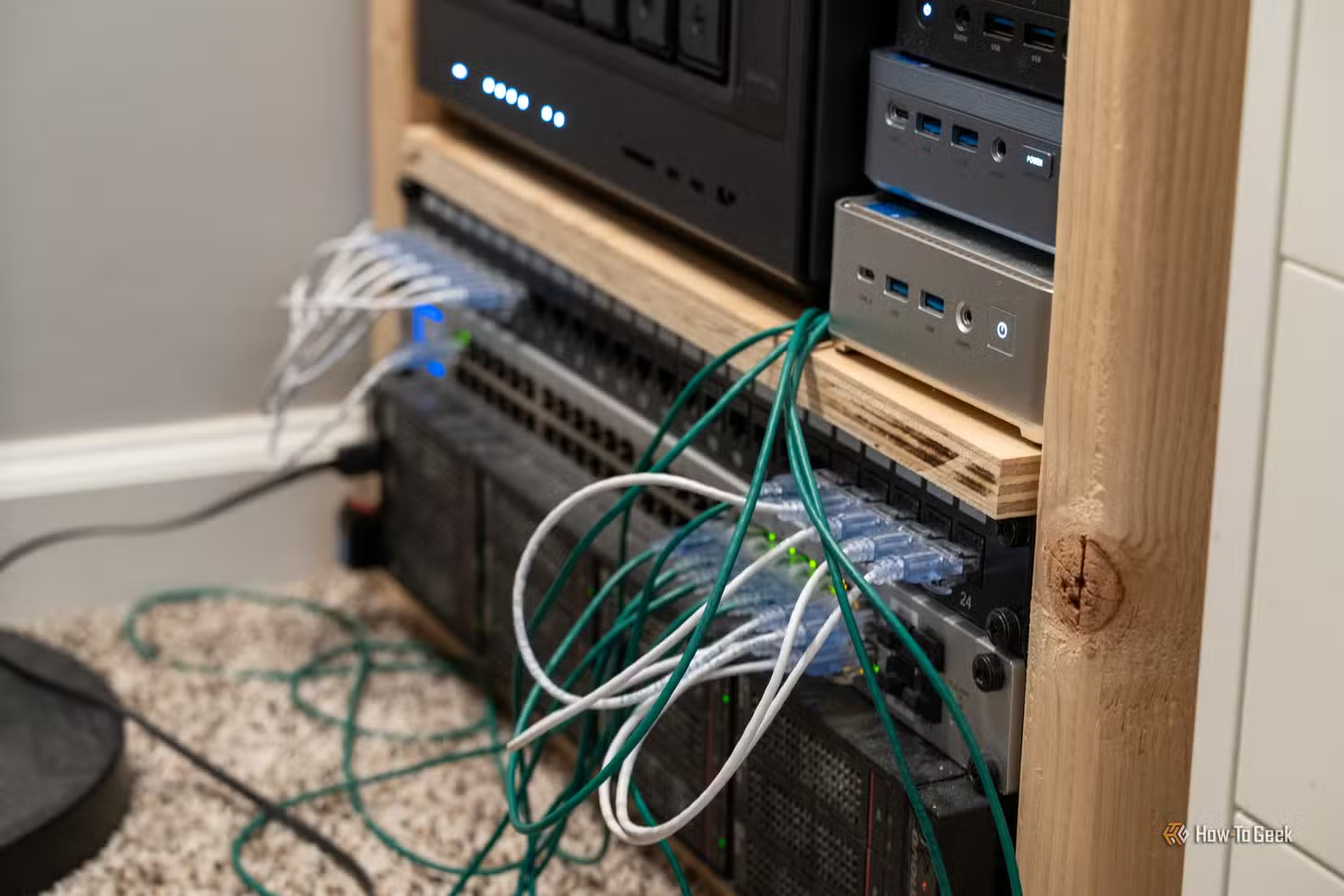
I’m not a big fan of Wi-Fi. I love the convenience, but for the things that require a stable connection, Wi-Fi is never my go-to. That’s why taking some devices off of Wi-Fi was one of the smartest things I’ve done this year. (Well, for my network, at least. I’d like to hope I’ve done some things that were, overall, slightly smarter than a simple router/Ethernet tweak.)
The rule of thumb is simple: If something can use Ethernet, it should. Static devices like PCs, NAS, printers, and even security cameras will receive a much more stable connection if you plug them in instead of forcing them to use Wi-Fi. Another perk is that they’ll lower network congestion and, as a result, allow other devices—the ones still on Wi-Fi—to benefit, too.
I moved my mesh point closer to the router
A node can’t repeat signal it barely receives
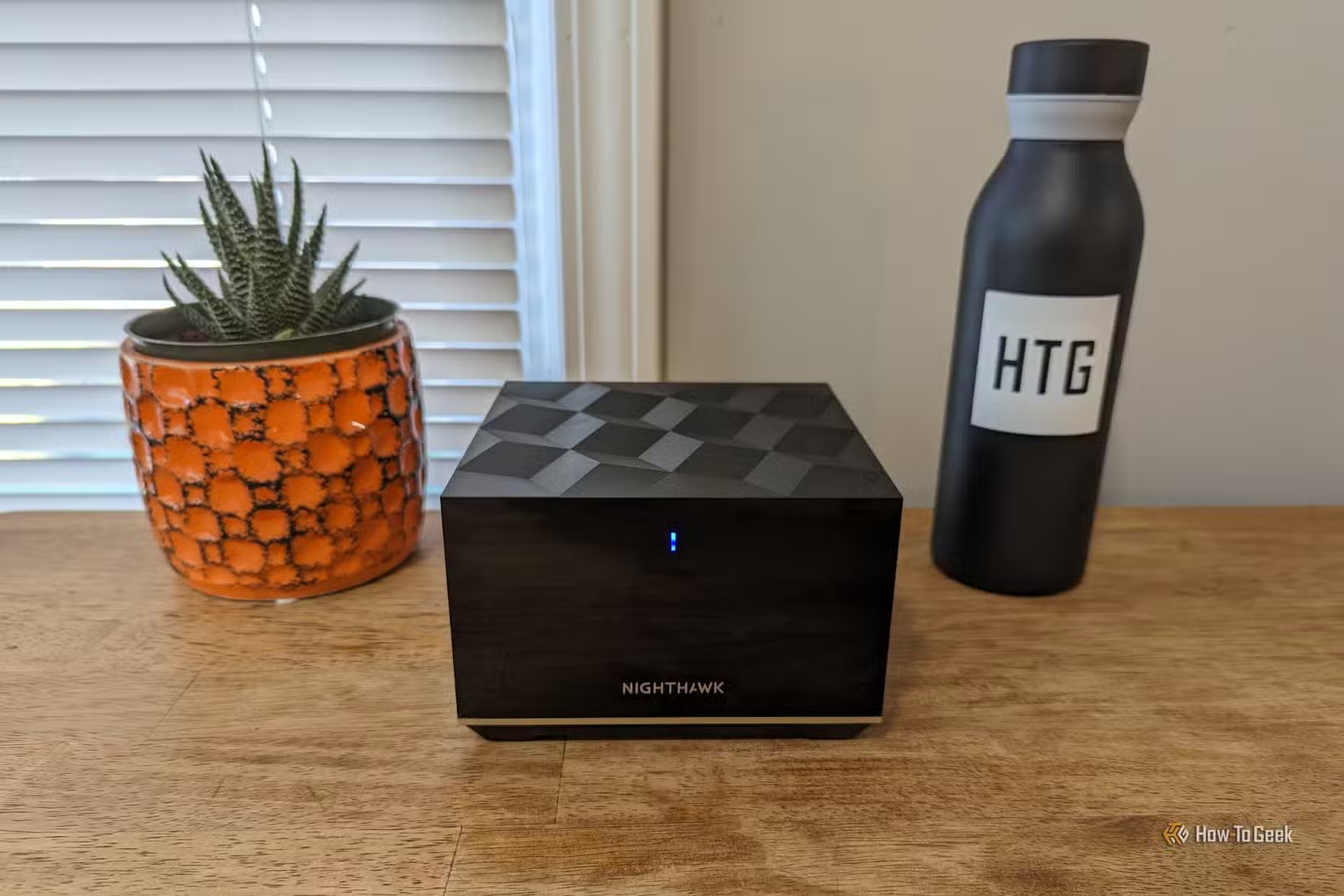
Do you have that one room in the house that gets terrible Wi-Fi, no matter what you do?
An obvious solution is setting up a mesh Wi-Fi system, with a mesh point in that one room. But in my case, that didn’t really help as much as I’d hoped, and the signal was still spotty (which always drives me mad, without fail). The problem is that the mesh node still needs a strong connection back to the main router, and if the room is too deep inside the dead zone, that’s just not going to happen: the node will be struggling to communicate upstream.
So, I moved the mesh point closer to the router instead of stubbornly keeping it where my Wi-Fi was at its worst. Somewhere between the main router and the dead zone, it still improved Wi-Fi signal in that room, but it also was close enough to reach the router itself with no issues.
Ethernet backhaul was easily the biggest upgrade
Taking the mesh itself off Wi-Fi changed everything
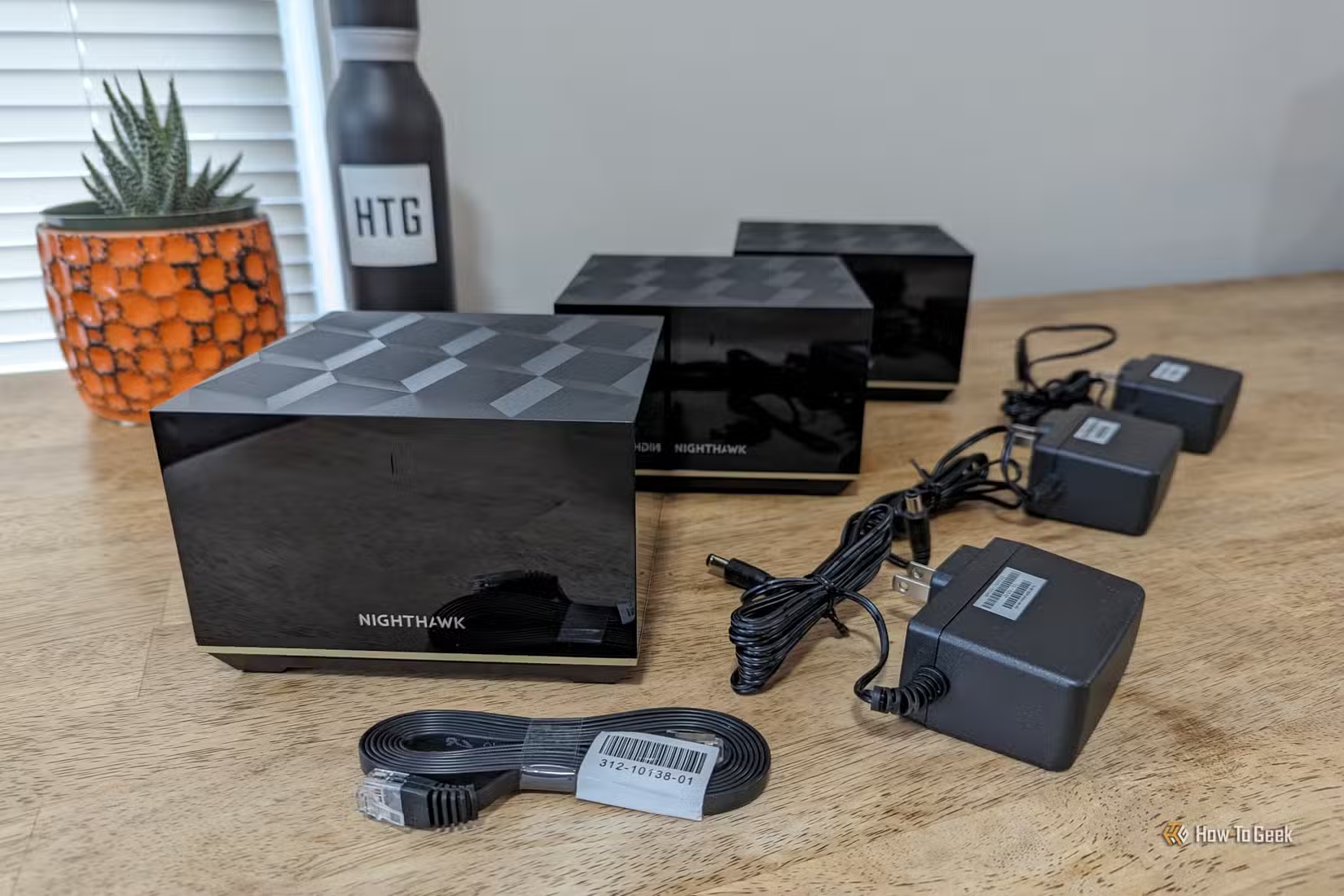
Moving the mesh point helped, but wiring it back to the main router helped a whole lot more. See why I love Ethernet so much?
With wireless backhaul, the mesh node still has to use Wi-Fi to communicate upstream, so it’s exposed to all the same problems the rest of your Wi-Fi-based devices are battling day by day. Wiring it up fixes that issue.
The difference was obvious. Speeds behind the mesh point got way more consistent, latency got lower, and I never had to deal with random slowdowns anymore. Of course, I realize that this isn’t going to be practical for everyone (not everyone can run an Ethernet cable through the house, plus, long Ethernet cables are bad). But if it works for you at all, try it and see the improvements.
I stopped using a Wi-Fi extender
Wasn’t worth having in the first place
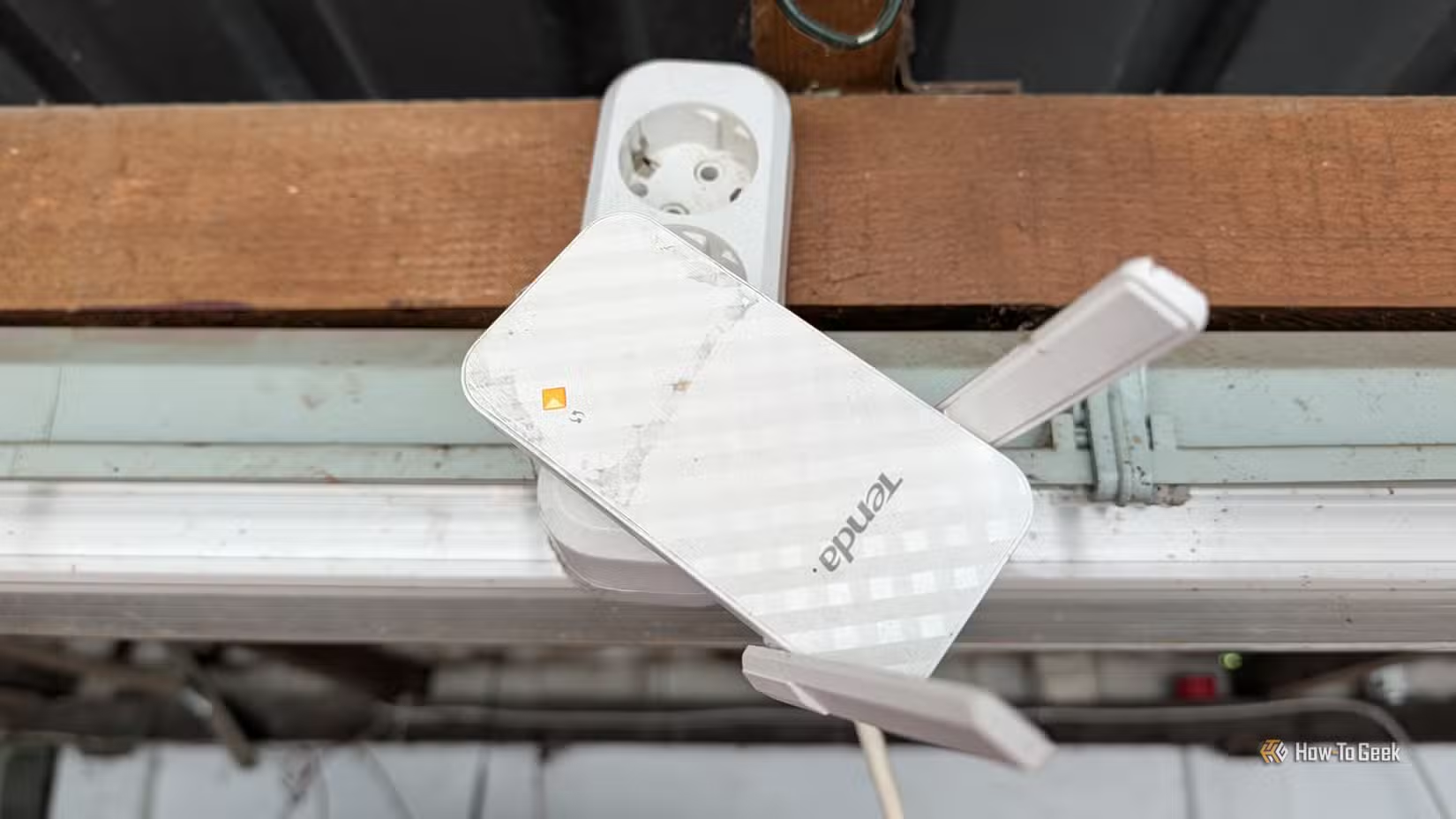
Are you using a Wi-Fi extender? It could be making things worse instead of better. That was the case for me, at least.
A basic Wi-Fi extender has to receive the signal from the router and then rebroadcast it. That means it can end up repeating an already weak connection and using extra airtime in the process. Sure, this might give you more “Wi-Fi bars” in the dead zone, but the actual stability/performance of your connection will remain disappointing.
Ditching the extender helped me tremendously. Combined with my previous points (moving the mesh point & connecting via Ethernet), I achieved fantastic results.
Most Wi-Fi problems won’t be fixed with a better router
Most people I know can’t be bothered to tweak their router settings ad nauseam, and I get it. But if you can potentially fix your Wi-Fi issues with 10 minutes of your time as opposed to a new $200-$600 router, I say: give it a go. It worked for me.