
When you buy an iPhone or an Android phone, you’ll not only get the underlying operating system, but also the apps that form part of a specific ecosystem. So, for example, you’ll find Google Drive, Google Play, and various other Google apps that are not actually part of the core Android build.
The situation is similar on iOS, though you could argue that since the OS, apps, and hardware are vertically integrated, it’s not quite the same thing. Nonetheless, app stores, cloud storage, and core utilities that aren’t part of the OS seem to be in the exclusive purview of big companies like Apple, Google, or even Samsung. But, GrapheneOS shows that this is not the case and that you don’t have to accept the status quo.
GrapheneOS feels like Android, not an experimental Linux phone
It’s ready for prime-time
The biggest downside of GrapheneOS as of this writing is that it only works on select Pixel phones from Google. This is a choice rather than a hardware limitation. The problem is that GrapheneOS is privacy-focused, and so requires certain hardware security components that only Pixel phones have offered so far. Particularly the ability to relock the bootloader after replacing the factory OS.
However, Motorola phones that support GrapheneOS will arrive in 2027, and hopefully that’s not the end of it, as people realize they have alternatives.
It’s been a decade since the initial release of the OS, and so there’s been plenty of time to refine it. GrapheneOS is built on the Android Open Source Project (AOSP) and is therefore effectively Android, but as I said earlier, even though Google is the custodian of the AOSP, Google’s own proprietary ecosystem apps are not part of it. Despite this, GrapheneOS feels no different from any other mature modern smartphone OS. Especially since it can elegantly handle automatic updates and doesn’t require manual reflashing to get a newer version.
The essentials no longer require an Apple or Google account
No email? No problem!
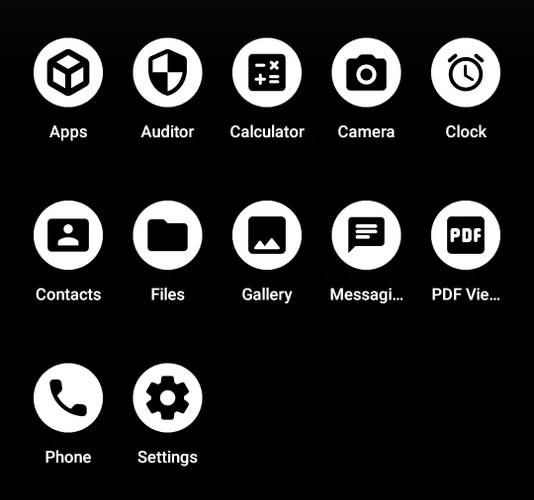
If you install GrapheneOS on a compatible phone, before you even install a single app, you have access to its app store (obviously), a hardened web browser, a camera app, a PDF viewer, and all the standard AOSP utilities such as the calculator, clock, contacts, and so on.
At no point do you need to log into any sort of online account. We’ve been subtly convinced that to get the most out of a smartphone, it needs to be hooked into some sort of online identity, but GrapheneOS manages to provide all the most important internet-connected features other mobile OSes do without having to know anything about you, and therefore having no telemetry to sell to third parties.
Sandboxed Google Play turns Google from the landlord into an optional tenant
Can’t touch this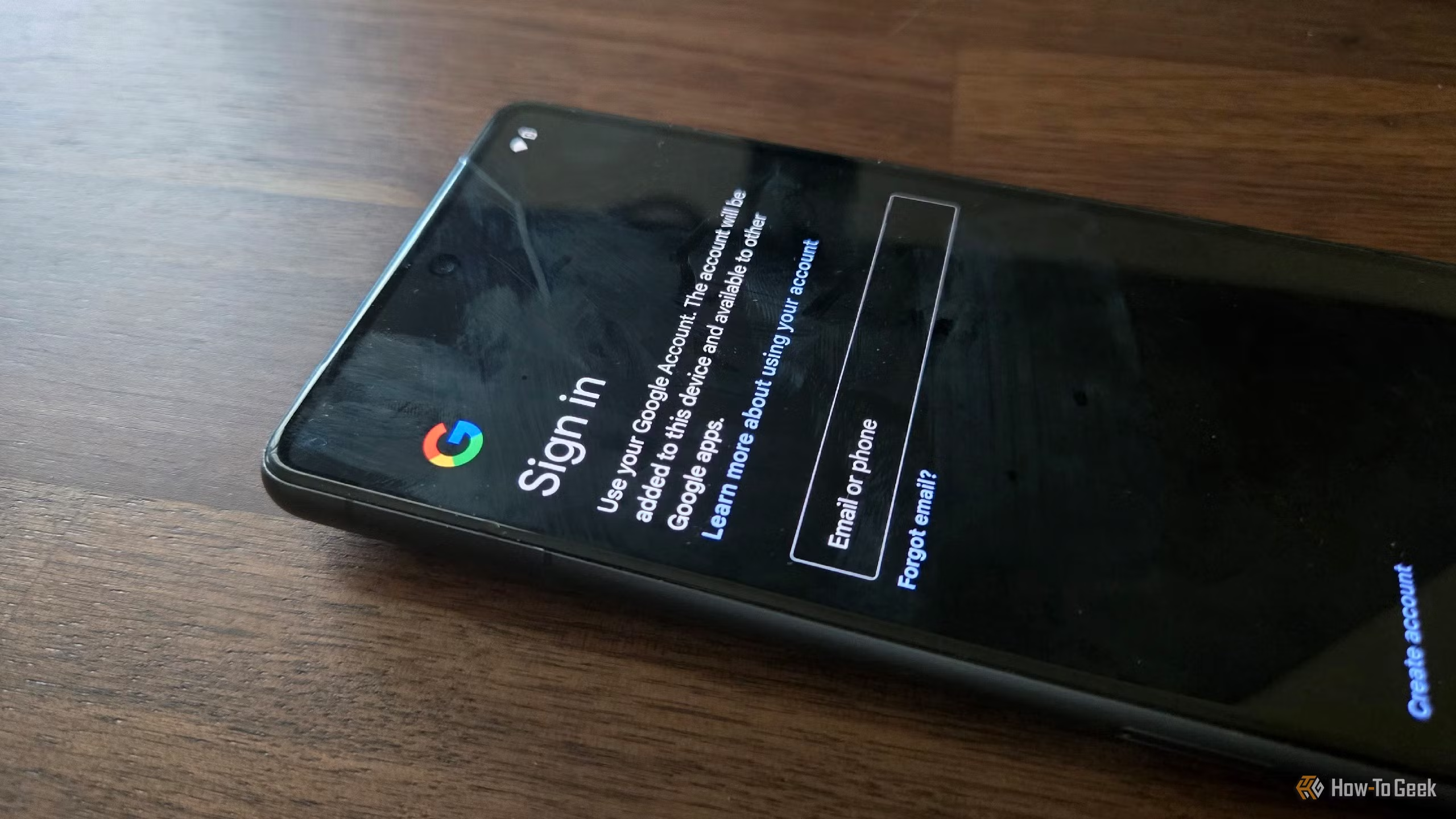
With GrapheneOS, you can get your apps from any number of third-party app stores. F-Droid is probably the best-known example, hosting open-source apps exclusively.
However, you can still get access to Google Play and the services that support it. GrapheneOS lets you install these Google apps in a sandboxed environment. In other words, they are isolated from the phone and don’t get any sort of privileged access. Logging in to a Google account is optional, unless you want to use an app that relies on that login to function.
GrapheneOS isn’t about never using Google or its services, but about letting you decide exactly how and when those services are used, and what Google is allowed to know about you.
It retains the hardware features that make a phone feel modern
When you typically flash an Android phone with an alternative OS image, you usually lose access to certain hardware features or that phone, or you have to make do with a lower-quality version of that feature.
Because Graphene has been designed for a small subset of phone models, that hasn’t been the case so far. The OS preserves almost all the Google Pixel phone hardware perks that made these handsets popular in the first place.
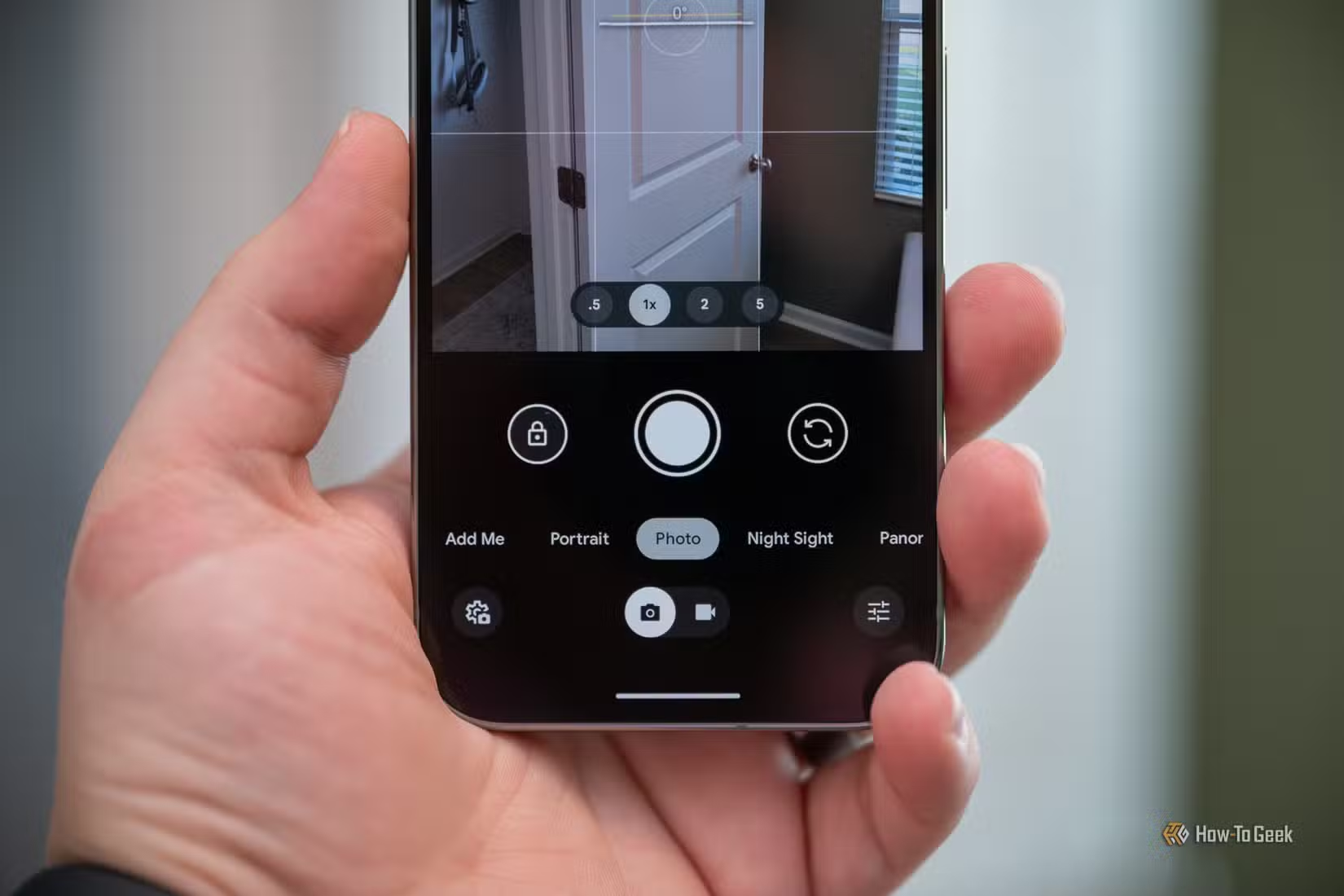
Its Camera app supports Pixel lenses, HDR processing, stabilization, night photography on supported devices, QR scanning, and metadata stripping. You can also install Google’s Pixel Camera application for its additional computational features.
Likewise, you keep support for technologies like 5G, VoLTE, and Wi-Fi calling, assuming your carrier supports them in the first place. According to the official documentation. GrapheneOS now even has the option to use Android Auto without the high privilege level the software has needed in the past.
Escaping the duopoly still comes with some ironic compromises
It’s pretty ironic that in order to escape Google’s software, you need to buy Google’s hardware. A fact that has not been lost on people. However, the point of Graphene is not to deny Google, but to enforce privacy. So that irony goes both ways, if you think about it.
However, hardware support is expanding slowly, and what compatibility issues remain are being worked on. Banking apps and new, higher phone integrity check requirements are proving to be a speed bump for GrapheneOS. This means you may have to access your bank account using the browser. Likewise, contactless payment support is unpredictable.
GrapheneOS is therefore not for everyone, but even if you don’t ever use it, I think it’s a wonderful demonstration that our dependence on online services that collect our information for profit is a business decision at our expense, not a necessary evil.